Sep 16, 2026
Best AI Solution for Shopify Merchants to Make Ads (2026)
Find the Best AI Solution for Shopify Merchants to Make Ads in 2026—compare 11 tools, pricing, use cases, and tips. Pick a winner fast.

TL;DR
Shopify merchants need a steady pipeline of fresh ad creative, not just a campaign manager. The best AI solution for Shopify merchants to make ads depends on whether you need localized short-form video, static creatives, UGC-style talking heads, or full campaign automation. Flona AI is the strongest pick for merchants who want brand-aware, market-native video ads generated directly from a product URL, especially across multiple languages and regions. Creatify is the top alternative for general URL-to-video speed, while Predis.ai and AdCreator work well as Shopify-native social content tools.
Why Shopify Merchants Need AI Ad Tools Right Now
Your Shopify ad account is only as good as the creative you feed it. Shopify merchants collectively generated $378.4 billion in GMV in 2025, up 29% year over year. That growth means more competition for every impression on Meta, TikTok, and Google. The bottleneck for most stores is not ad budgets or targeting, it is creative production.
The numbers back this up. According to Wyzowl’s 2026 survey, 91% of businesses now use video as a marketing tool, and 63% of consumers prefer short video when learning about a product. Meta’s own testing found that vertical 9:16 Reels ads with audio produced 34.5% lower cost per result compared to image ads. TikTok recommends maintaining 3 to 5 unique creatives per ad group and refreshing them before fatigue sets in.
The problem? Making that volume of creative is expensive and slow when you rely on freelancers, agencies, or manual editing. That is exactly where AI ad solutions for Shopify step in.
Before picking a tool, understand that “AI ad solution” actually covers three different categories:
- Ad creative makers that generate videos, images, and copy from your product data.
- AI UGC and avatar tools that produce talking-head or creator-style videos.
- Campaign automation platforms that manage bids, budgets, and feeds but may not make strong creative.
This article focuses on making ads first, then covers automation tools where they add value.
Try Flona AI free to generate localized video ads from your Shopify product URL, no credit card required.
At-a-Glance Comparison: 11 Best AI Ad Tools for Shopify
| Tool | Best for | Starting price | Shopify workflow | Main ad formats | Key caution |
|---|---|---|---|---|---|
| Flona AI | Localized creator-led and product-first video ads | Free; Starter $29/mo | Website/product URL; brand profile auto-built | Reels, Shorts, TikTok videos | Export-only; no media buying |
| Creatify AI | URL-to-video ad generation | Free (10 credits); Starter $39/mo | Product URL input | AI avatar video, static ads, templates | Credit burn on re-renders |
| Predis.ai | Shopify social content and auto-posting | From $32/mo | Native Shopify app | Product videos, UGC videos, posts | Credit limits per tier |
| AdCreator AI | Low-cost Shopify-native ad maker | $14/mo with 14-day trial | Pick a Shopify product directly | Image ads, short video ads | Very thin review base |
| AdCreative.ai | Static/banner ad creatives with AI scoring | Varies; check current plans | Meta/Google integrations | Static ads, banners, copy | Billing/cancellation complaints |
| Arcads | AI actor UGC when realism matters | ~$110/mo (credit-based, verify) | Script/avatar workflow | Talking-head UGC videos | Expensive; product handling issues |
| Zeely AI | Mobile-first small merchant ad creation | ~$19.99 plans via app | Product link input | Image ads, video ads, Meta launcher | Mixed reviews; paid trial |
| Minta | Automated product videos and social posting | Verify on Shopify listing | Shopify product video app | Product videos, promo clips | Repetitive output risk |
| Canva Connect | Budget ad visuals from Shopify assets | Free connector | Shopify product images in Canva | Static ads, simple videos, banners | Not a performance ad generator |
| AdScale | Ad creation plus campaign automation | From $169/mo | Shopify app; Google/Meta | AI creatives, product videos, campaign optimization | Higher price; spend-tier limits |
| Adwisely / Socioh | Campaign automation and catalog ad workflows | $49/mo + 10% spend / $1,110/mo | Shopify apps | Campaign automation / catalog DPA ads | Not pure creative generators |
What Makes a Good AI Ad Solution for Shopify?
Not every tool deserves the label. Here is what separates useful AI ad makers from fancy demo reels that waste your budget.
Product URL ingestion. The best tools start from your Shopify product page or store URL. They pull real product photos, titles, prices, and descriptions instead of forcing you to write prompts from scratch. Practitioners on Reddit consistently recommend this approach: one user in a dropshipping thread argued that the product in the ad must match what arrives, and starting from the actual product page prevents AI drift and hallucination.
Product accuracy. AI tools should use your real product images, not redraw or reimagine them. Check that packaging, color, shape, and claims match your product detail page before running any ad.
Multiple formats. You need creator-led UGC-style videos, product-first showcase clips, static image ads, and platform-specific copy. A tool that only does one format limits your testing.
Localization beyond translation. For multi-market brands, simple dubbing falls flat. Real localization means adapting the hook style, pacing, dialect, creator appearance, and selling approach for each audience.
Credit economics. Monthly price alone is misleading. Ask: how many usable ads do your credits actually produce? Do failed renders cost credits? Do unused credits roll over? Are outputs watermarked on free plans?
Editing controls. You will need to tweak scripts, swap voices, adjust captions, or change scenes. If every small fix requires a full re-generation (and burns more credits), costs compound fast.
Export and publishing. Some tools export files for you to upload to ad platforms. Others manage campaigns directly. Know which model fits your workflow.
To understand how Flona AI scores on these criteria, see how it works in practice.
The 11 Best AI Solutions for Shopify Merchants to Make Ads
1. Flona AI
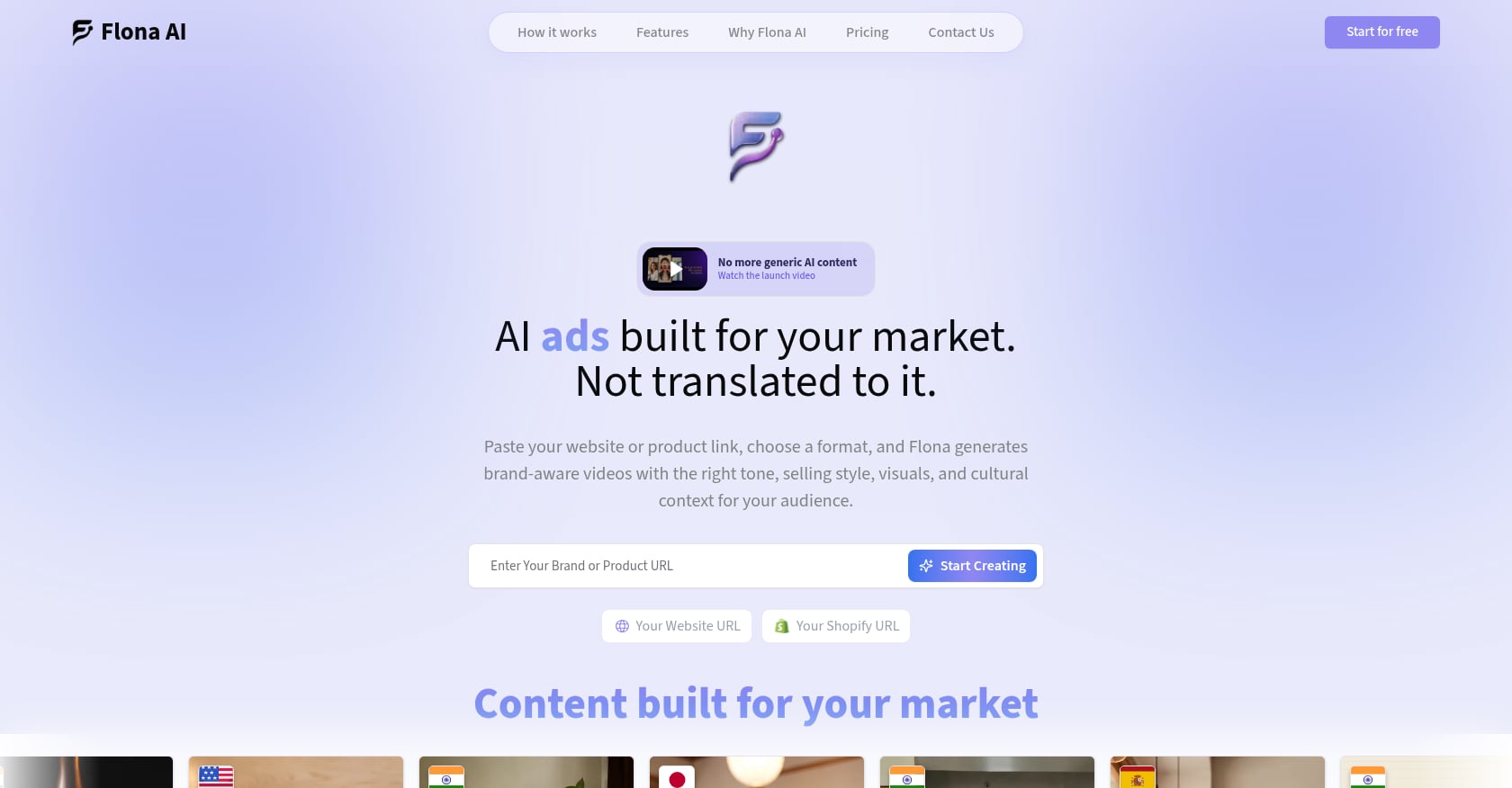
Best for: Localized, brand-aware short-form video ads for multi-market D2C Shopify brands.
If your main need is localized short-form video ads rather than generic static creatives, Flona AI is the strongest first pick. It turns a website or product URL into creator-led and product-first videos that feel native to each market, not just translated from an English master.
Key features:
- Paste a product or brand URL. Flona auto-builds a brand profile from your products, visuals, tone, and audience.
- Market intelligence layer adapts language, dialect, selling style, pacing, and camera conventions by region and category.
- Pre-generated local AI creators for many markets. Configure region, appearance, speech style, and voice to match your target audience.
- Custom creators and consent-based AI Twins let you clone a face and voice (with explicit consent) for repeatable brand spokesperson content.
- Both creator-led and product-first formats from the same brand setup.
- Built-in editor for tweaking scripts, voices, captions, visuals, music, and scenes without full re-generation.
- 70+ languages at no extra localization fee.
- Multi-brand workspaces for agencies managing several Shopify stores.
Pricing:
- Free: $0/month, 100 credits, no credit card required. Base quality avatars, up to 1 brand or 1 product.
- Starter: $29/month, 200 credits (~10 ads/month estimate). Advanced avatars, 70+ languages, custom creators, AI Twins, advanced editor. Up to 2 brands or 5 products.
- Growth-Pro: $99/month, 850 credits (~42 ads/month estimate). Up to 10 brands or 20 products.
- Enterprise: Custom pricing, volume, and SLA support.
- Top-ups: $5 for 35 credits up to $50 for 400 credits.
- Credits remain available for two months from the date added.
Full plan details are on the Flona AI pricing page.
User sentiment:
Flona is newer and has less public third-party review volume than older tools like Creatify or AdCreative.ai. No formal case studies or Reddit threads were found during research. The practical way to evaluate it is to use the free 100 monthly credits on one real Shopify product and compare outputs across two markets.
Limitations:
- Not a media-buying platform. You export creative and run campaigns in your own Meta, TikTok, YouTube, or Google ad accounts.
- Credits expire after two months, which may frustrate sporadic users.
- Short-form ad focus, not a long-form cinematic or VFX tool.
- Avatar library may be smaller than the largest incumbents; the differentiation is brand and market intelligence, not sheer avatar count.
Verdict: For Shopify merchants selling across India’s regional-language markets, expanding internationally, or simply wanting ads that match each audience rather than one generic video, Flona is the strongest starting point. The free plan removes any signup risk.
2. Creatify AI
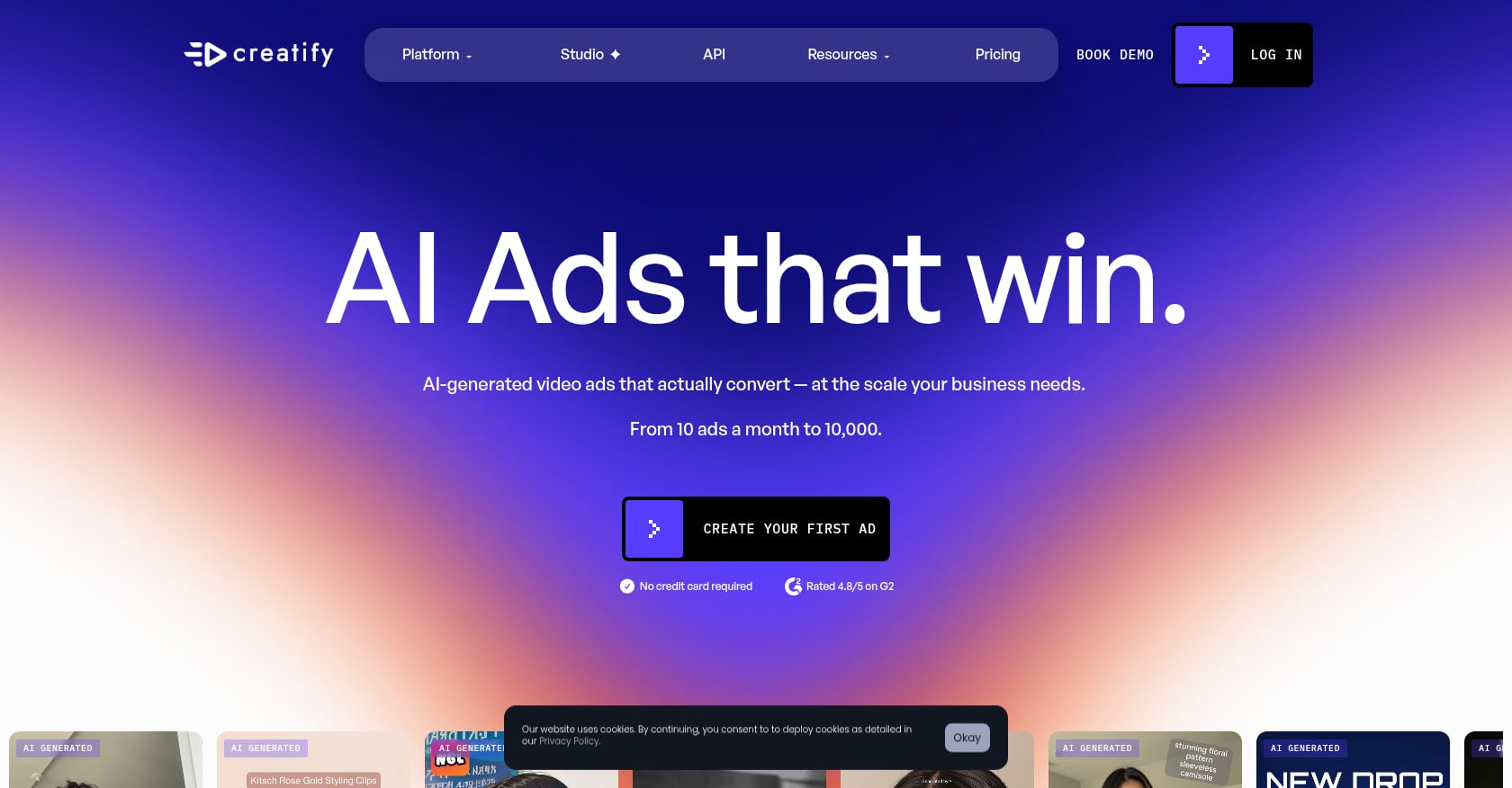
Best for: Fast URL-to-video ad generation with a large avatar library.
Creatify is the most popular general-purpose tool for pasting a product URL and getting a video ad back. It supports Shopify, Amazon, and Etsy product links, and its avatar library is one of the largest in the category.
Key features:
- Product URL to video and static ads.
- Large AI actor library with templates and multilingual support (29+ languages listed on G2).
- Brand spaces, team collaboration, and watermark removal on paid plans.
Pricing:
- Free: 10 monthly credits (roughly 2 video ads or 20 image ads), watermarked exports.
- Starter: $39/month, 100 credits.
- Pro: $99/month, 300 credits.
- Annual discounts available. Pricing changes frequently, so verify before committing.
User sentiment:
G2 shows a 4.8/5 rating from 1,403 reviews. Users praise speed, output quality, and realistic avatars. The most common complaints center on credit limitations and cost. On Reddit, one user reported that a single long lip-sync video consumed their entire 100-credit monthly subscription in one go.
Limitations:
- Credit burn can be significant when re-rendering or producing longer content.
- Some outputs still need manual editing for lip-sync polish.
- Less differentiated on market-native localization compared to Flona.
- Costs add up quickly for teams testing many variations.
Verdict: Creatify is the best alternative to Flona when you primarily want speed and avatar variety. Where Flona adds brand intelligence and localization depth, Creatify prioritizes fast production with a broad template and avatar ecosystem.
3. Predis.ai
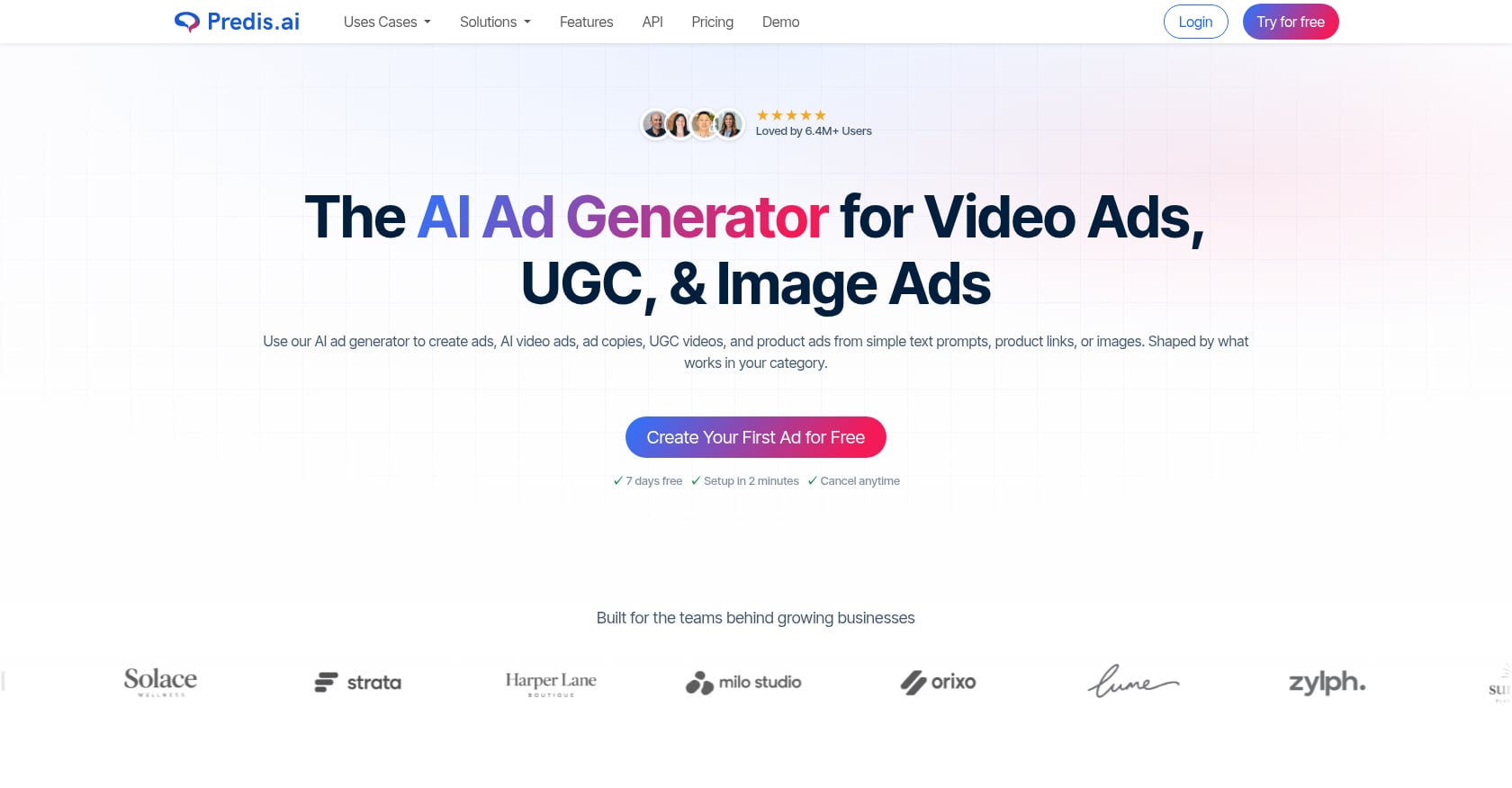
Best for: Shopify-native social content, product videos, and auto-posting.
Predis.ai lives inside the Shopify app ecosystem, making it a natural fit for merchants who want product videos, social posts, captions, and scheduling from one dashboard.
Key features:
- Native Shopify app pulling directly from your product catalog.
- Product videos, UGC-style videos, social posts, captions, hashtags, and carousel templates.
- Auto-posting and scheduling to Instagram, Facebook, TikTok, YouTube, Pinterest, X, and Google Business Profile.
- Competitor analysis tools included in higher tiers.
Pricing:
- Core: $32/month (or $230/year). 1 store, 1,300 credits/month, no auto-posting.
- Rise: $79/month (or $474/year). Up to 4 stores, 3,200 credits/month, 2 auto-posts/day, faster generation.
User sentiment:
Shopify App Store rating of 4.6 from 137+ reviews. Merchants praise time savings and professional-looking output. One reviewer noted that creating UGC and faceless videos consumed credits quickly, yielding only about 10 to 13 videos for their use case. Another flagged occasional strange typos in generated graphics that required manual correction.
Limitations:
- Credit usage can feel expensive for video-heavy workflows.
- Output sometimes needs manual review for accuracy and typos.
- Language support appears narrower than Flona’s 70+ languages.
- Stronger as an all-in-one social tool than a pure paid-ad creative engine.
Verdict: Good choice for small Shopify teams that want product videos and social posting from a single app. Less ideal for merchants focused on localized performance ad creative at scale.
4. AdCreator AI
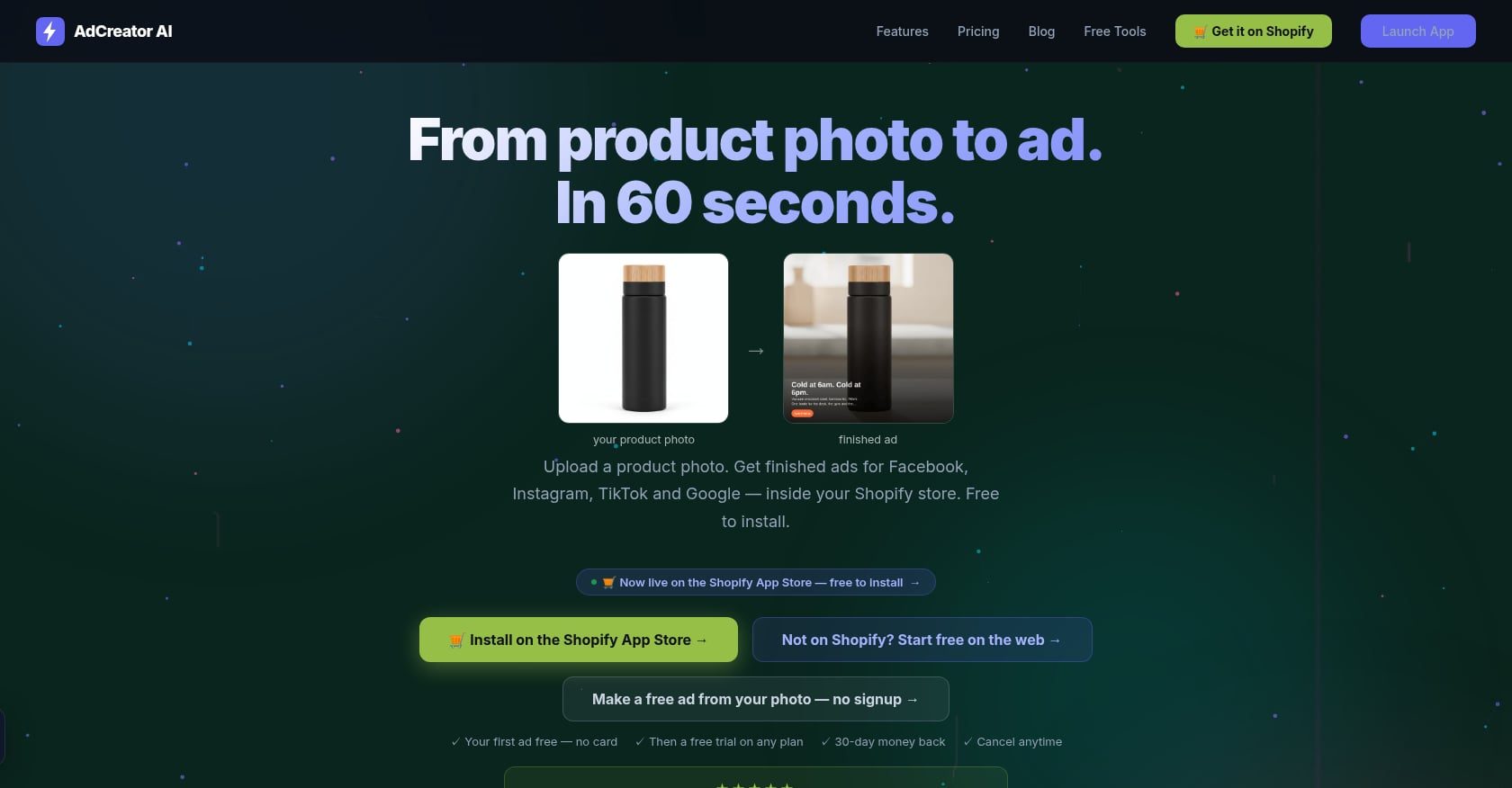
Best for: Budget-friendly Shopify-native image and short video ad creation.
AdCreator is one of the most affordable options for merchants who want to pick a Shopify product and get ad-ready images and short videos with copy variants for multiple platforms.
Key features:
- Pick a Shopify product; brand kit auto-pulled from your store.
- 1080x1080 image ads with composited product photos.
- Platform-specific copy for Facebook, Instagram, Google, and TikTok (up to 5 variants each).
- AI voiceover video ads (5 to 30 seconds) on Pro plan and above.
Pricing:
- Starter: $14/month, unlimited image ads, 14-day free trial.
- Pro: $49/month, adds 20 video ads/month with AI voiceover.
- Agency: $79/month, 40 video ads/month.
User sentiment:
Very thin proof base. Only one Shopify review was found during research, a 5-star rating praising time savings on social media ads. The tool is too new for strong conclusions.
Limitations:
- Limited public reviews make it hard to assess reliability.
- Videos capped at 30 seconds.
- No deep localization, custom creators, or market intelligence features.
- Not suitable for sophisticated multi-market campaigns.
Verdict: A sensible starting point for new Shopify merchants with small budgets who need basic image ads and short promo clips. Graduate to a more capable tool as your ad spend grows.
5. AdCreative.ai
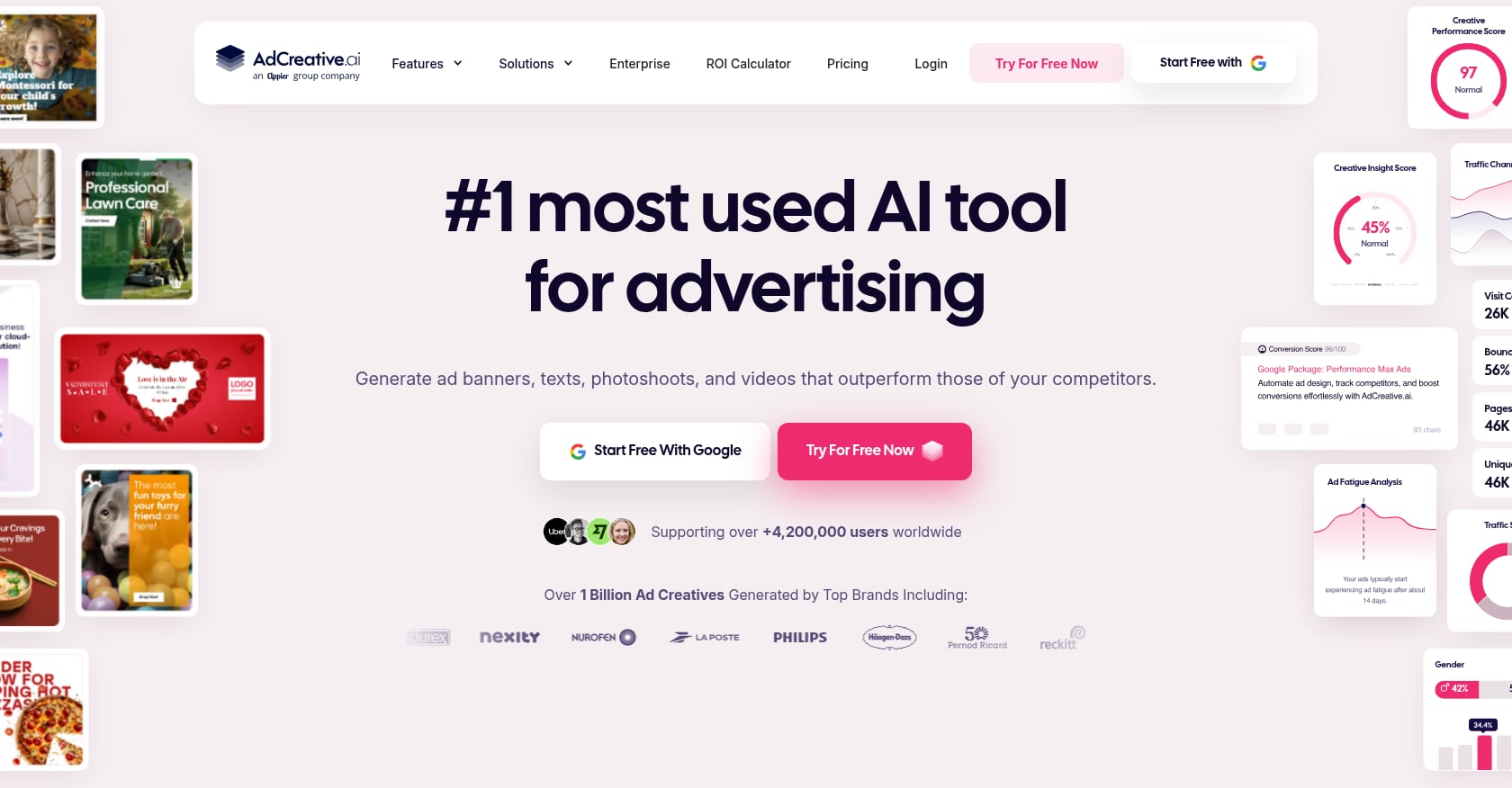
Best for: Static and banner-style ad creatives with AI-powered performance scoring.
AdCreative.ai has built a large user base around its ability to generate static display ads, social images, and copy variations with conversion-likelihood scores. It is more of a design automation tool than a video production platform.
Key features:
- AI-generated ad layouts, copy, and product photoshoots.
- Conversion scoring that predicts which creatives may perform better.
- Integrations with Google Ads, Meta, Pinterest, LinkedIn, and X.
- Some video capabilities, though static formats are the core strength.
Pricing:
Pricing has changed multiple times. G2 lists a 4.3/5 rating from 796 reviews with “expensive” appearing among common user complaints. Verify current plans directly before committing.
User sentiment:
G2’s review summary praises ease of use, time savings, and AI-driven insights. The flip side: “limited customization,” “limited creativity,” and “poor customization” show up repeatedly in pros/cons tags. More concerning, Trustpilot and Reddit threads include clusters of billing, refund, and cancellation complaints. One Trustpilot reviewer in 2026 described a delayed refund, and several Reddit users have reported unauthorized charges or difficult cancellation processes.
Limitations:
- Mixed reputation around billing and cancellation.
- Customization controls feel restrictive for brands with strong design opinions.
- Less suited to native creator-led video ads.
- Not ideal for India regional-language or multi-market localization use cases.
Verdict: Worth considering if your primary need is high-volume static ad variations with scoring. Check cancellation terms and billing policies carefully before signing up.
6. Arcads
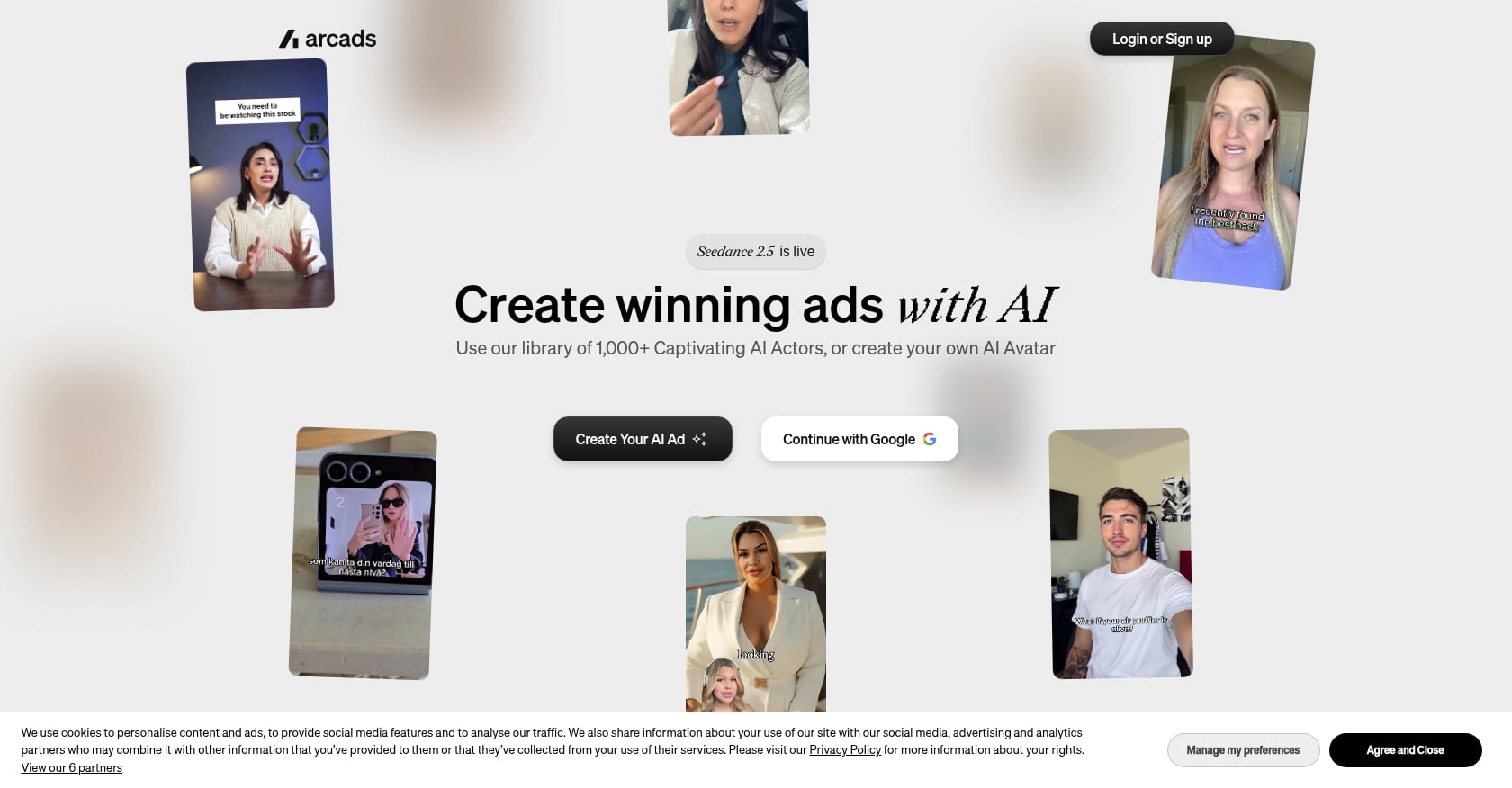
Best for: AI actor UGC-style ads when avatar realism is the top priority.
Arcads focuses specifically on talking-head UGC videos. If you want an AI presenter delivering a testimonial or product pitch and care most about how realistic the avatar looks, Arcads is a strong contender.
Key features:
- Large AI actor library for UGC-style talking-head videos.
- Script-to-video workflow.
- Strong avatar realism for face and voice.
Pricing:
Pricing is credit-based and has changed across sources. Third-party analyses report Starter plans around $110/month with 8,000 credits, though promotional pricing sometimes drops this. Because public sources disagree, check the in-app plan screen before committing.
User sentiment:
Practitioners on Reddit praise Arcads for “great default actor selection” but note that the proprietary avatar ecosystem locks you in at a high price. In a thread about using Arcads for physical beauty devices, commenters warned that AI actors can look awkward holding or using real products, and real creator footage may outperform AI for products where hands, texture, or visible results matter.
Limitations:
- Expensive for creative testing, especially if you need many iterations.
- Product interaction (holding, applying, demonstrating) can look unconvincing.
- Less suited to product-first ad formats where the item itself is the star.
- Pricing and credit structure can be confusing.
Verdict: Best reserved for products where a talking-head testimonial works naturally (beauty serums, supplements, fashion accessories) and where you have the budget for credit-based video production.
7. Zeely AI
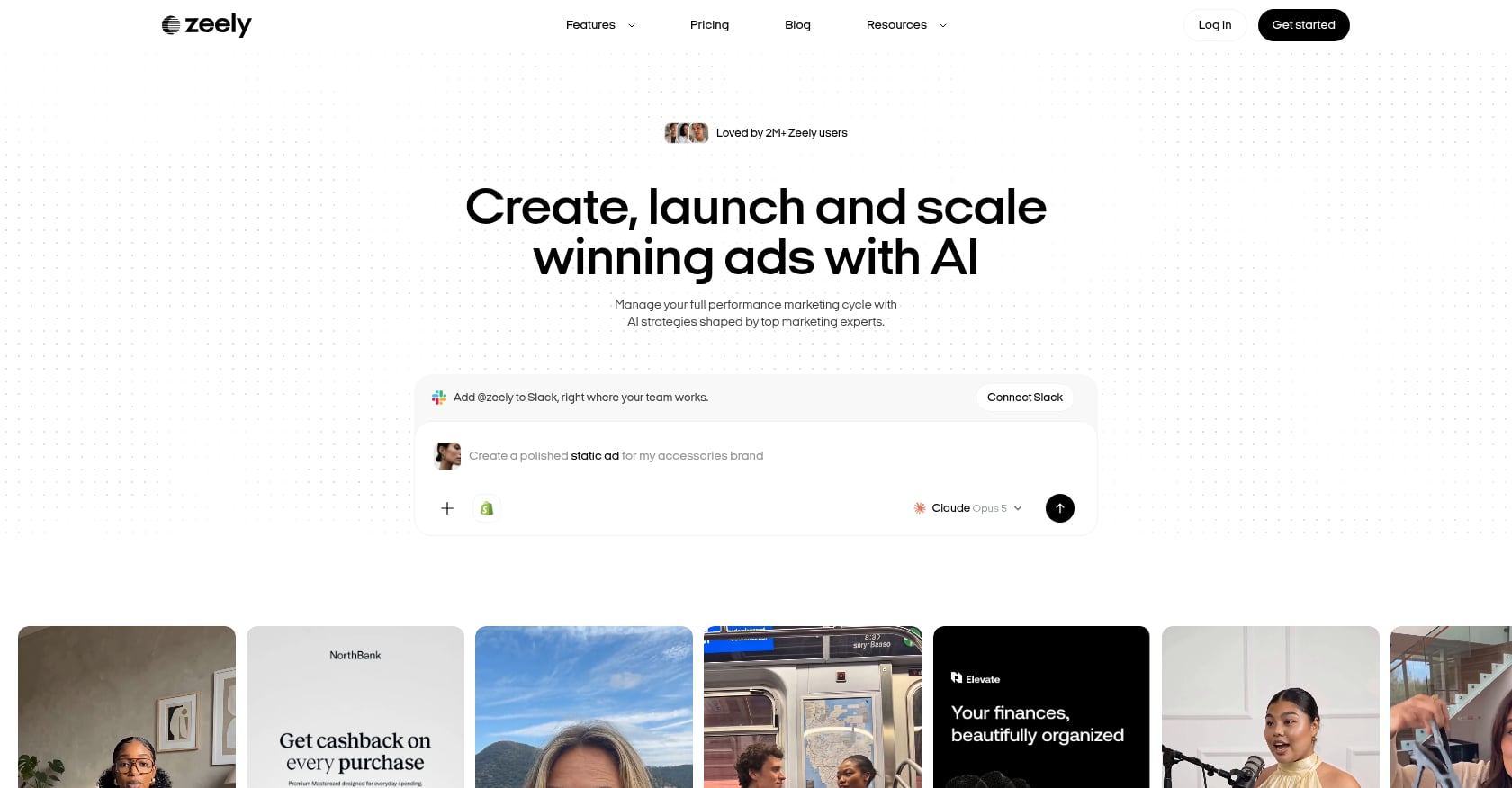
Best for: Mobile-first AI marketing for very small merchants testing Meta ads.
Zeely positions itself as an all-in-one mobile marketing app. You paste a product link, get AI-generated images and videos, and can launch Meta campaigns from your phone.
Key features:
- Product link to AI video and image workflow.
- AI avatars, scripts, music, and Meta ad launcher.
- Mobile-first design for on-the-go campaign management.
Pricing:
Apple App Store shows in-app purchases around $19.99 for plan options and credit packs. Important: Zeely’s help center confirms that trials are paid short-term plans, not free trials. This catches many users off guard.
User sentiment:
G2 has only one review, and it is negative, describing dashboard data that did not match actual ad spend. Apple App Store reviews include positive comments about quick video creation. Reddit threads show more caution, with users complaining about unresponsive support, lip-sync issues, and confusion about where ads actually send traffic.
Limitations:
- Mixed and thin review base on B2B platforms.
- Paid trial model creates billing confusion.
- Support responsiveness is a recurring concern.
- Less proven for serious creative production or localization.
Verdict: A reasonable experiment for solo operators who want a guided mobile workflow, but approach with low expectations and small budgets until you verify results firsthand.
8. Minta
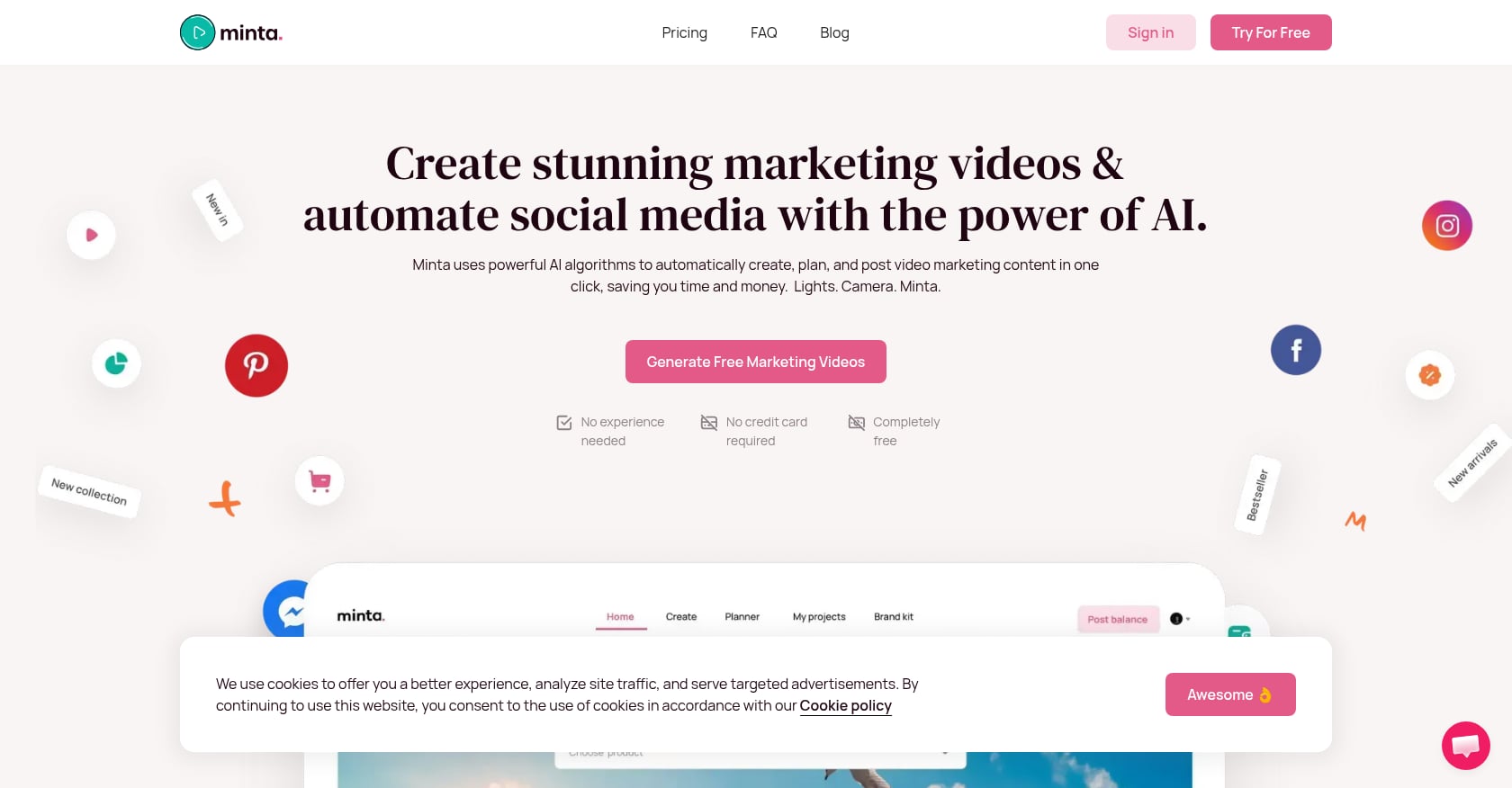
Best for: Automated Shopify product videos and scheduled social posting.
Minta connects to your Shopify catalog and automatically generates product promo videos, posting them to your social channels on a schedule. It prioritizes consistency over creative sophistication.
Key features:
- Shopify-connected product video generation.
- Auto-posting and social scheduling.
- Product promo clips and social video templates.
Pricing:
Pricing varies across sources. Verify on the Shopify App Store listing before subscribing.
User sentiment:
Shopify App Store shows a 4.3 rating from 330 reviews. Users praise ease of use and customer support. A June 2026 review warned that repetitive product-image posting can hurt account analytics and suppress higher-effort posts. Another reviewer complained that “get started for free” felt misleading because of an immediate paywall.
Limitations:
- Automation can generate repetitive, low-variety social content.
- Not built for strategic paid ad creative with hook testing.
- Less useful if you need localized scripts, market-native creators, or campaign-specific angles.
- “Free” positioning conflicts with actual pricing experience.
Verdict: Fills a content consistency gap for merchants who struggle to post regularly. Not a substitute for intentional ad creative production.
9. Canva Connect
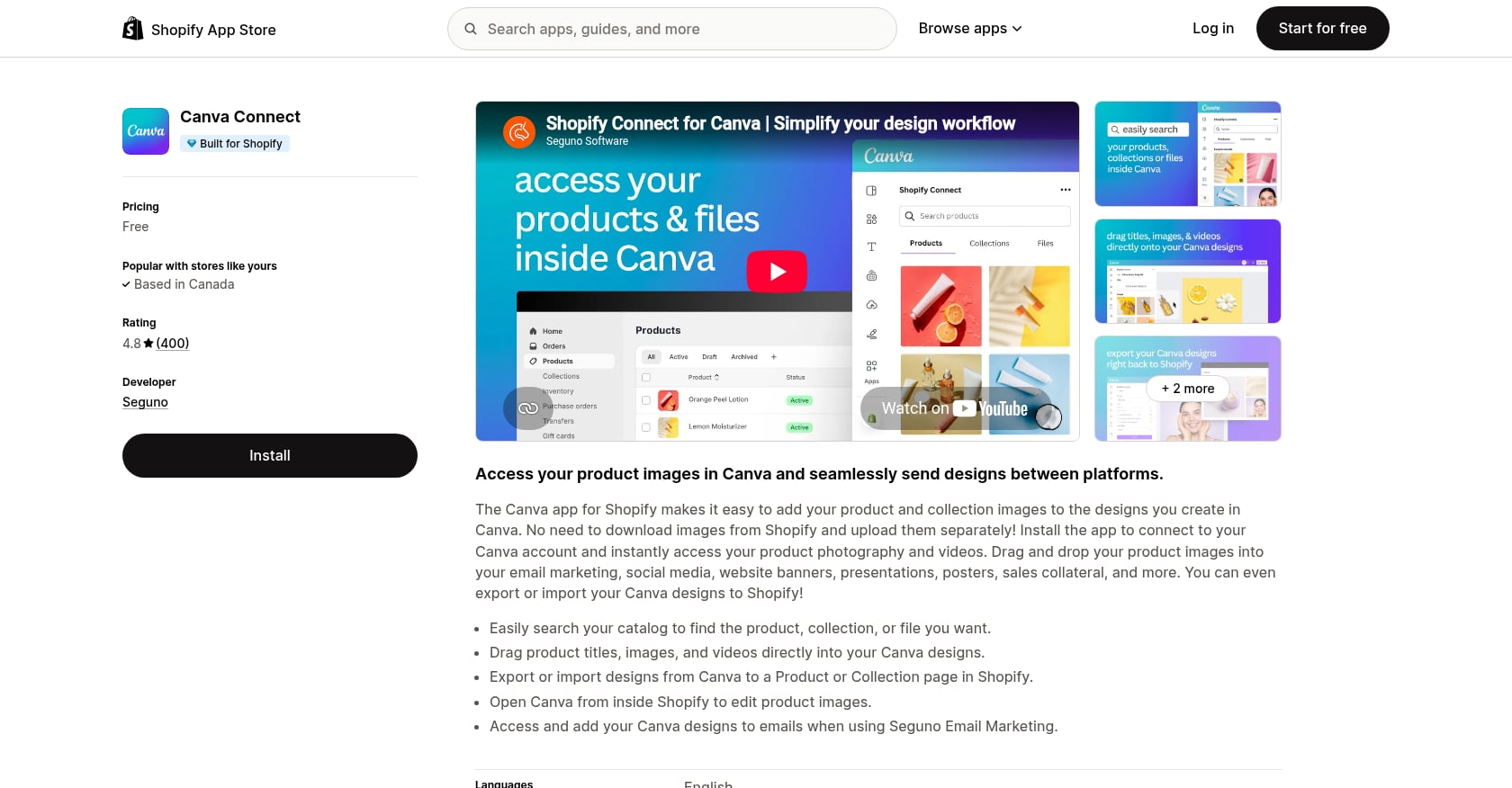
Best for: Budget ad visuals using Shopify product assets.
Canva Connect is a free Shopify app that lets you access your product images, titles, and collection data directly inside Canva. If you already use Canva, this removes the friction of downloading and re-uploading assets.
Key features:
- Direct access to Shopify product and collection images inside Canva.
- Drag product titles, images, and videos into Canva designs.
- Export designs back to Shopify product or collection pages.
- Background removal, generative fill, and image compression via Canva’s AI tools.
Pricing:
The Canva Connect app is free. Canva Pro (for premium AI features) is a separate subscription.
User sentiment:
Shopify App Store shows a 4.8 rating from 387+ reviews. Users consistently praise the time savings of eliminating the download/upload cycle. One reviewer wished images could export as shoppable links.
Limitations:
- Not a dedicated performance ad generator.
- No UGC-style avatar workflow or automated video production.
- No market-native localization.
- Requires more manual design work than URL-to-video tools.
Verdict: The right choice for very early-stage stores or merchants who just need basic static visuals and already live in the Canva ecosystem.
10. AdScale
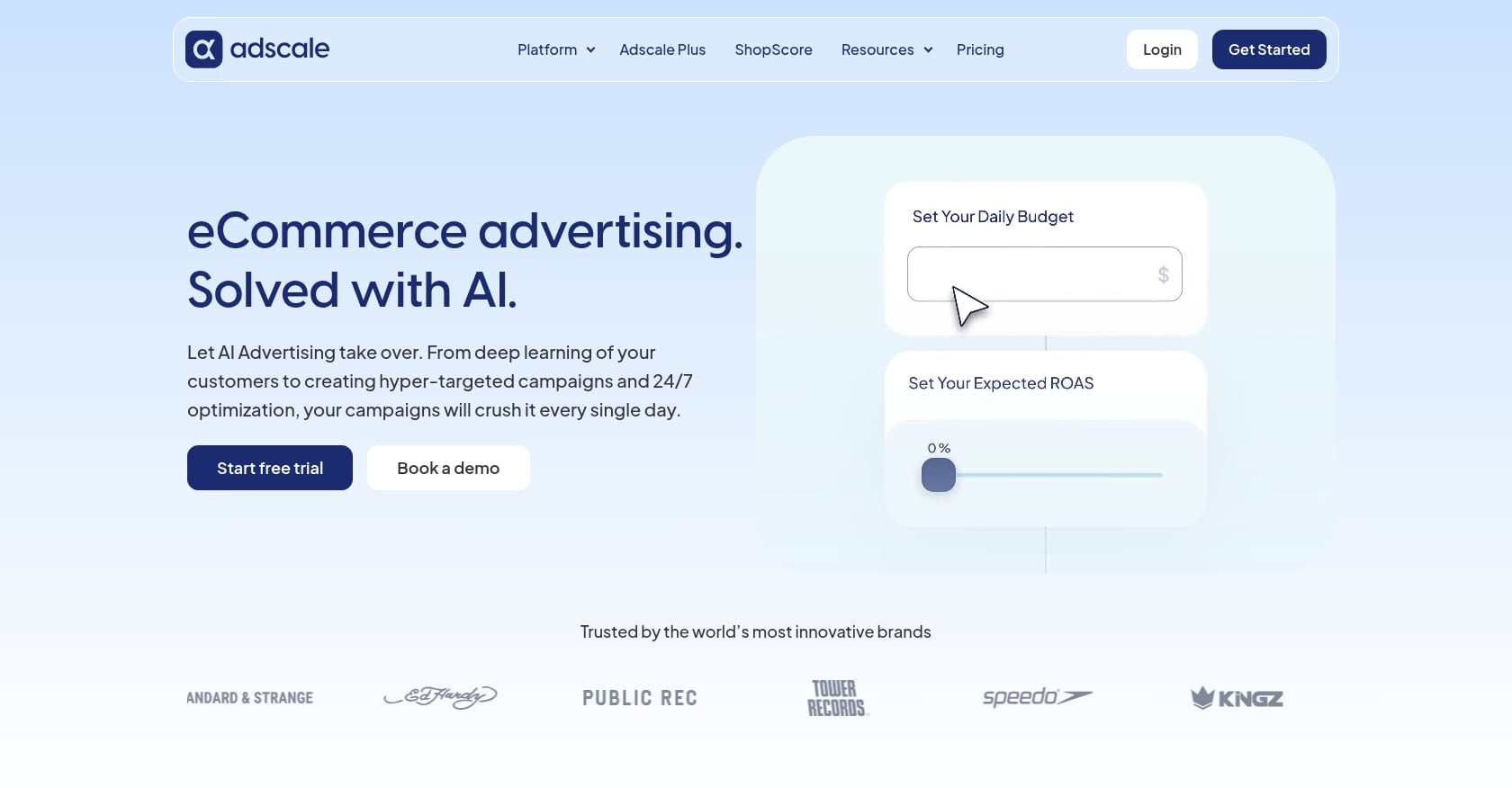
Best for: Merchants who want AI ad creation combined with Google and Meta campaign automation.
AdScale goes beyond creative generation. It is a Shopify app that creates AI product videos and images, then manages your Google Search, Performance Max, Facebook, and Instagram campaigns with automated optimization.
Key features:
- Shopify app with AI product videos and images.
- Campaign builder for Google Search, PMax, Facebook, and Instagram.
- 24/7 AI optimization and ideal customer persona targeting.
- 14-day free trial.
Pricing:
- Basic: $169/month, up to $1,000 ad spend/month.
- Growth: $249/month, up to $2,000 ad spend/month.
- Elite: $329/month, up to $3,000 ad spend/month.
User sentiment:
Shopify App Store shows a 4.7 rating from 339 reviews. A recent August 2026 review praised straightforward setup, fast campaign performance, and responsive support.
Limitations:
- Significantly more expensive than pure creative tools.
- Budget tiers cap your ad spend, which can limit scaling.
- More of an ad automation platform than a dedicated creative engine.
- Less specialized for localized creator-led short-form video.
Verdict: Ideal for merchants who want a single platform handling both creative and campaign management. Overkill if your only bottleneck is creative production.
11. Adwisely and Socioh
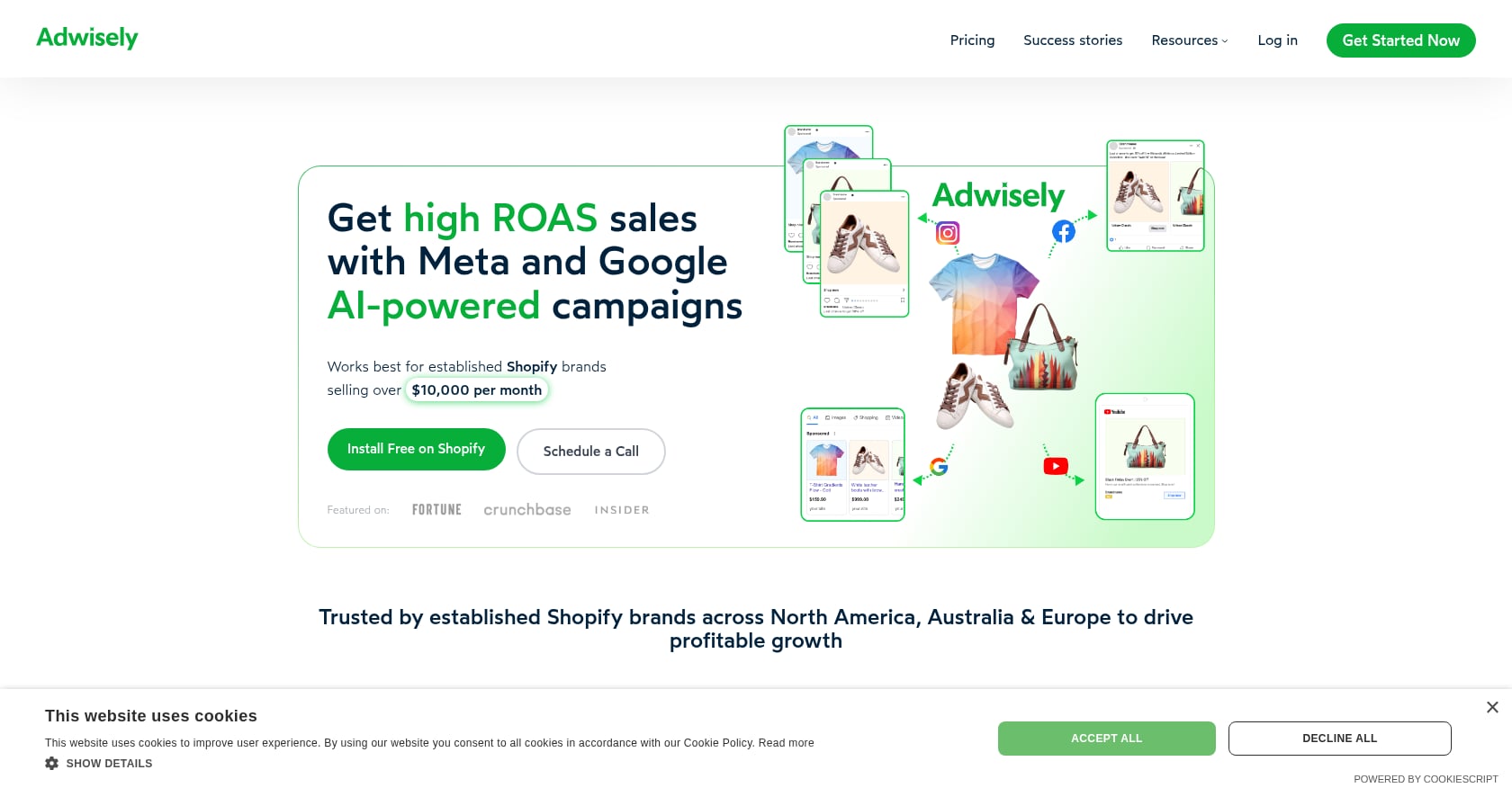
Best for: Campaign automation (Adwisely) and dynamic catalog ad creative for larger stores (Socioh).
These two tools deserve mention but serve different jobs than the creative-focused tools above. Neither is primarily about making ads.
Adwisely runs AI-powered campaigns on Google and Meta. Self-Serve starts at $49/month plus 10% of ad spend. Concierge at $249/month adds a dedicated account manager. Shopify App Store rating of 4.4, though negative reviews flag concerns about campaign control and unauthorized reactivation of paused campaigns.
Socioh specializes in dynamic product ad creative for Meta catalog campaigns. It designs custom product feed images, A/B tests them, and optimizes DPA/DABA performance. Pricing starts at $1,110/month for stores under $250K monthly revenue. Shopify App Store rating of 4.8, with merchants praising CTR and ROAS improvements. Indian brands like Headphone Zone and Bodice have shared positive results in Shopify reviews.
Limitations of both:
- Adwisely requires trust in automated campaign management and spend-based fees.
- Socioh is premium-priced and designed for mature stores with meaningful Meta ad spend.
- Neither produces AI-generated short-form video ads or UGC-style creator content.
Verdict: Include these in your stack if your bottleneck is campaign management or catalog ad design, not creative production. They complement, rather than replace, tools like Flona or Creatify.
Which AI Ad Solution Should You Choose?
The right tool depends on your specific bottleneck. Here is a quick decision tree:
Need localized Reels, TikTok, or Shorts in multiple languages and markets? Start with Flona AI. Its brand-aware, market-native approach is built for this use case.
Need fast general-purpose URL-to-video ads? Creatify is the strongest alternative.
Need social posts and auto-posting from inside Shopify? Predis.ai or Minta.
Need low-cost static or short video ads directly in Shopify? AdCreator or Canva Connect.
Need campaign automation alongside creative? AdScale or Adwisely.
Need catalog and DPA creative for large Meta budgets? Socioh.
Need only AI actor UGC? Arcads, but test product handling carefully before committing budget.
One important pattern from practitioners: a LinkedIn post by a D2C operator described the shift from “find a creator, wait two weeks, get one video” to “generate 20 variations in an afternoon,” framing AI as a velocity tool for brands spending $100K to $2M per month without large creative teams. The key word is velocity. AI ad tools expand testing speed, but real creators still outperform for authentic human stories and physical demonstrations.
How to Test AI Shopify Ads Without Wasting Budget
Generating ads is only half the job. Here is a practical creative testing workflow built from platform guidance and practitioner advice.
1. Pick one product or collection. Do not test your entire catalog at once. Choose a product with existing sales data or strong review sentiment.
2. Feed the AI real customer language. A user who claimed roughly 50 product video campaigns on Reddit warned that AI scripts become generic unless you feed in real customer frustrations, objections, and emotional triggers from reviews, FAQ pages, and support tickets.
3. Generate three formats. Product-first demo. Creator-led problem/solution. Offer or social-proof ad. Each format attracts a different buyer mindset.
4. Create 3 to 5 hook variants per format. TikTok’s best practices explicitly recommend this range to avoid under-supplied ad groups.
5. Start with small budgets. A March 2026 Reddit commenter advised new dropshippers to test static product shots first because they are cheaper. Only invest in video once a product or angle shows signs of converting. Do not blindly go all-in on video for every SKU.
6. Track by creative ID, not just campaign. Label each variant by hook, angle, format, creator, market, and language.
7. Watch for fatigue signals. TikTok’s web auction best practices describe fatigue as CTR trending down while frequency trends up, impressions and reach declining, and CPA rising or ROAS dropping. Refresh creative when you see this pattern.
8. Recut winners into new markets. This is where localization matters. A winning hook in English may need a completely different approach in Hindi, Bahasa, or Spanish. A tool like Flona that adapts selling style and dialect, not just subtitle language, makes this step faster.
For teams ready to build a multi-market creative pipeline, book a Flona AI walkthrough to see the workflow in action.
AI Ad Format Fit by Product Type
Not every product works with every AI ad format. This table helps you match the right approach to your category.
| Product type | Recommended AI ad format | Risk to watch |
|---|---|---|
| Beauty serums, supplements | Creator-led testimonial + product closeups | Claims and authenticity need manual review |
| Apparel, fashion accessories | Lifestyle showcase + creator-led hooks | Fit and fabric accuracy may drift |
| Home decor, furniture | Product-first room/lifestyle videos | Scale and color accuracy |
| Car accessories, tools, devices | Real demo footage + AI-scripted voiceover variants | AI hands and install demos can look fake |
| Food and beverage | Product-first visuals + native-language creator | Taste and texture claims need credibility |
| High-consideration purchases | Explainer + founder AI Twin + product-first | Too much avatar can reduce trust |
The physical handling issue is real. Practitioners on Reddit specifically called out that AI actors look awkward using beauty devices, and real creator footage may outperform AI whenever hands, installation, or visible results matter.
Common Mistakes When Choosing AI Ad Tools for Shopify
Choosing a campaign manager when you need creative. If your bottleneck is ad production, do not pay $169/month or more for a tool that optimizes bids but gives you mediocre visuals. Fix creative first.
Buying the cheapest plan without checking credit math. A $14/month plan sounds great until you realize you get three usable videos before credits run out. Calculate cost per finished, export-ready ad.
Trusting AI product visuals without checking accuracy. The product in your ad must match what the customer receives. Always verify that photos, packaging, color, and claims match your PDP before running any creative.
Using one translated ad in every market. Translation is the floor, not the strategy. Native ad localization includes dialect, pacing, hook style, offer framing, creator appearance, and cultural references. This is the core argument behind why Flona exists.
Sending localized ads to generic product pages. A Reddit discussion on Meta ads for DTC ecommerce included a commenter who claimed a matched landing page converted 2.4x higher than a generic page with identical traffic. Whether the exact number holds for you, the principle is sound: your ad and landing page need to continue the same conversation.
Creating 100 videos without a testing plan. Most brands need 20 usable ads, not 1,000 bad ones. A Shopify merchant running roughly $5M/year on Meta expressed this concern in a Reddit thread, and the practical advice was to test one real demo clip with five hook variations and three scene variations, then evaluate thumb-stop rate, hold rate, and conversion.
Ignoring consent for cloned faces or voices. If you use AI Twins or avatar cloning, verify that the tool handles consent responsibly. Flona treats biometric data as sensitive with explicit consent, encryption at rest, and deletion controls. You can review the details in its privacy policy.
FAQ
What is the best AI solution for Shopify merchants to make ads?
For most Shopify merchants, Flona AI is the best overall solution because it combines brand-aware product URL input, market-native localization in 70+ languages, creator-led and product-first video formats, and an editor for tweaking outputs. Creatify is the top alternative for general URL-to-video speed, and Predis.ai works well as a Shopify-native social content app.
Can AI tools create ads directly from a Shopify product URL?
Yes. Tools like Flona AI and Creatify accept a product URL and pull photos, titles, prices, and descriptions to generate ad creative automatically. This is faster and more accurate than writing prompts from scratch.
Are AI UGC ads better than real creator ads?
Not always. AI UGC works well for testing hooks, scripts, and angles at speed. Real creators still outperform for products requiring physical demonstration, authentic personal stories, or visible results. The smartest approach is using AI for testing velocity and real creators for proven winners.
Should I use AI video ads or static ads first?
If you are validating a new product, start with static ads because they are cheaper to produce and test. Once a product or angle shows conversion signals, invest in video variations. This advice comes directly from practitioners in dropshipping communities who have tested both approaches.
How many ad creatives should a Shopify merchant test?
TikTok recommends 3 to 5 unique creatives per ad group. For a structured test, generate 3 formats with 3 to 5 hook variants each, giving you 9 to 15 testable combinations per product.
Which AI tool is best for localized Shopify ads in multiple languages?
Flona AI is purpose-built for this. It adapts selling style, dialect, pacing, creator appearance, and cultural context by market rather than simply translating a master video. It supports 70+ languages at no extra localization fee. See Flona AI pricing for plan details.
Do AI ad tools publish directly to Meta or TikTok?
Some do, some do not. AdScale and Adwisely manage campaigns directly. Zeely offers a Meta ad launcher. Flona AI, Creatify, and Arcads are export-only, meaning you download the creative and upload it to your own ad accounts. Export-only tools give you more control over targeting and budgets.
What should I check before running an AI-generated product ad?
Verify that product photos match the real item, claims are pulled from your PDP (not invented by the AI), pricing is accurate, the landing page continues the same message as the ad, and any AI avatar usage has proper consent. If you have questions about consent or data handling, contact Flona’s support team.