Sep 23, 2026
Best Tool to Generate Shopify Product Videos Automatically
Discover the Best Tool to Generate Shopify Product Videos Automatically in 2026—compare Flona, Creatify, Tagshop, Tolstoy, and more. Pick yours now.
TL;DR
The best tool to generate Shopify product videos automatically depends on whether you need paid social ads, organic reels, product-page demos, or shoppable widgets. For market-native product ads and reels across languages and regions, Flona AI is the strongest pick because it adapts the script, creator, and pacing to the target market before rendering. Creatify and Tagshop AI are solid choices for fast URL-to-UGC ad variants. Tolstoy and Videowise are better suited for shoppable product-page video deployment.
Why Shopify Merchants Are Searching for Automatic Product Video Tools
If you run a Shopify store and want product videos without hiring creators, filming, or editing from scratch, the answer is not one tool. It is the right tool for the right job.
The market for AI video has exploded. According to Wyzowl’s 2026 report, 91% of businesses now use video as a marketing tool and 63% of video marketers have used AI to create or edit marketing videos. That demand hits especially hard for Shopify merchants who need to produce ads, reels, and product-page content at a pace manual production cannot match.
But “automatic” means different things depending on which tool you pick. Some tools let you paste a Shopify product URL and get a video in minutes. Others need product photos, a script, or a prompt. A few are not generators at all. They are shoppable video platforms that deploy and measure video on your store. This guide compares 10 tools across those categories so you can choose based on what you actually need.
See how Flona AI generates market-native product videos
Quick-Pick Comparison Table
| Tool | Best for | Starting price | Input type | Main strength | Key tradeoff |
|---|---|---|---|---|---|
| Flona AI | Market-native product ads/reels | Free (100 credits/mo); Starter $29/mo | Brand/product URL | Market-first scripting, local AI creators, 70+ languages | No native Shopify app; smaller public review footprint |
| Creatify | Fast URL-to-UGC ad variants | Free limited; Starter ~$39/mo | Product URL | Fast UGC ad variations | Credit burn on longer videos, lip-sync issues |
| Tagshop AI | Product-holding AI UGC | Verify live pricing | Product URL or script | Strong G2 reviews (4.9/5), product-holding format | Pricing/refund clarity concerns |
| Pippit | Shopify + TikTok Shop publishing | Free; Starter ~$24/mo annually | Product URL/link | Link-to-video plus scheduling | Mixed reviews across platforms |
| HeyGen | Polished avatar product demos | Free limited; Creator ~$24-29/mo | Script, product assets | Avatar realism, multilingual demos | Higher-end features cost more |
| Topview AI | Budget URL-to-video | Free limited; Pro ~$16/mo annually | Product URL | Low cost per draft | Quality variance, slow queues |
| InVideo AI | Templates + editing | Free watermarked; Plus ~$20-25/mo | Prompt, product assets | Flexible template/editor system | Less Shopify-native, credit complaints |
| Runway | Cinematic product b-roll | Free credits; Standard ~$15/mo | Image/text prompt | Best visual generation quality | No URL-to-video or ad workflow |
| Tolstoy | Shoppable PDP video | Free; Starter $12/mo | Existing video | Shoppable widgets + analytics | Not primarily a video generator |
| Videowise | Shoppable video analytics | Free; Pro $9/mo | Existing video | PDP widgets, A/B testing | Impression-based pricing |
What “Automatic Shopify Product Video” Actually Means
The phrase covers at least five different workflows. Understanding which one you need saves you from picking the wrong tool.
Product URL to video. You paste a Shopify product link. The tool pulls product images, title, price, and description, then generates a finished video. Creatify, Tagshop AI, Pippit, and Topview offer this.
Brand/product URL to market-native ad. You paste a product or brand URL. The tool reads brand context, products, and audience, then generates ads and reels adapted to a specific market. Flona AI works this way, choosing the target market before writing the script so the hook, language, creator, and pacing fit that audience.
Script or prompt to avatar video. You write a script (or the tool generates one), then an AI avatar delivers it alongside product visuals. HeyGen is the primary option here.
Product photos to cinematic clips. You upload product images and the tool generates polished b-roll or product reveal shots. Runway operates in this space.
Shoppable video deployment. You already have videos. The tool embeds them on product pages with product tags, add-to-cart overlays, and analytics. Tolstoy and Videowise do this.
The practical definition of “automatic” should mean fewer than five manual steps from product input to export. But it should never mean no human review. Every AI-generated Shopify product video still needs a check for product accuracy, false claims, and platform compliance before going live.
How We Evaluated These Tools
Most comparison articles list features. That is not how Shopify merchants decide. Here are the criteria that matter for choosing the best Shopify product video tool:
- Product input method. Can you paste a URL, or do you need to upload assets and write a script?
- Speed to first draft. How many minutes from input to a watchable video?
- Product accuracy. Does the output preserve your product’s real colors, packaging, name, and claims?
- Script and hook quality. Does the generated script stop the scroll, or does it read like a product listing?
- Creator/avatar believability. Does the presenter look and sound like someone from the target market?
- Market and language support. Can the tool produce videos that feel native in different regions?
- Editing before render. Can you fix the script before burning credits?
- Cost per approved video. Not the monthly price. The number of usable videos you actually ship.
- Commercial rights. Can you run the output as a paid ad without watermarks or restrictions?
- Shopify deployment fit. Is there a native Shopify app, a product URL workflow, or just a general export?
One finding from G2’s analysis of AI video reviews stands out: fewer than 5% of over 1,200 reviews mentioned quantifiable ROI, while pricing complaints centered on terms like “credits,” “upgrade,” and “paywall.” The gap between subscription price and actual output value is exactly why cost per approved video matters more than monthly plan cost.
The 10 Best Tools to Generate Shopify Product Videos Automatically
1. Flona AI
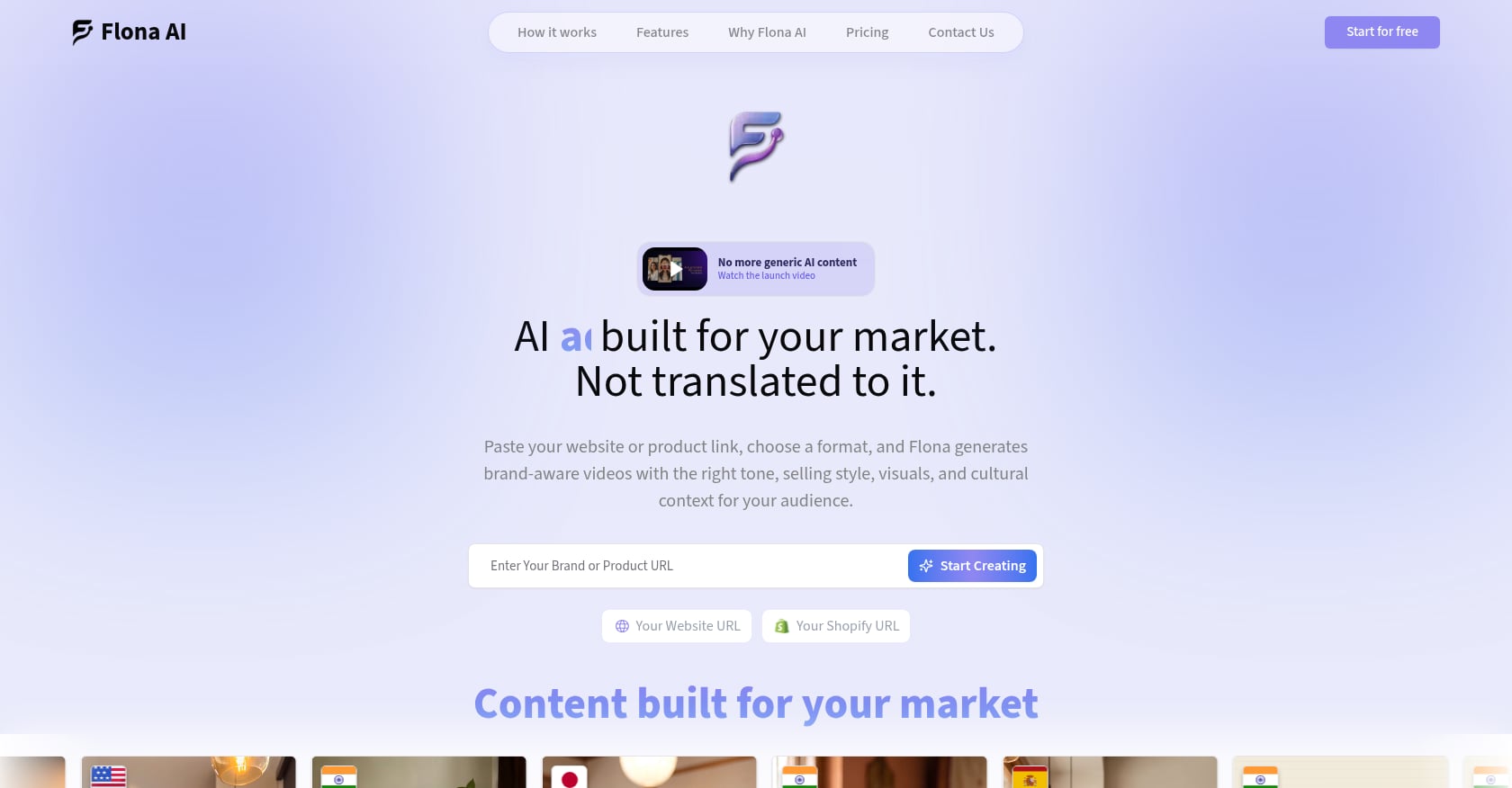
Best for: Shopify merchants, D2C brands, and agencies who need short-form product ads and reels that feel native in the target market, not just translated.
Pricing:
- Free: $0/month, 100 credits, no credit card required
- Starter: $29/month (or $285/year), 200 credits
- Growth: $49/month (or $482/year), 400 credits, priority queue, multi-market generation
- Growth Pro: $99/month (or $974/year), 850 credits
- Growth Advanced: $199/month (or $1,958/year), 1,800 credits
- Enterprise: custom pricing, team workspaces, dedicated onboarding
- Top-ups: $5 for 35 credits up to $50 for 400 credits
Compare all Flona AI plans and credits
Key features:
- Paste a product or brand URL. Flona reads brand context, products, visuals, tone, and audience to build a brand profile.
- Select the target market before the script is written. The script, hook, selling style, dialect, and pacing adapt to that market.
- Pre-generated local AI creators for different regions and cultures, plus custom creators and consent-based AI Twins.
- Creator-led and product-first short-form ad formats from the same brand setup.
- Scripts can be reviewed and edited before rendering, so you do not waste credits on a bad first draft.
- 70+ languages with native speech styles at no extra localization fee.
- Products stored in the workspace for reuse across markets without re-entering details.
- Editor for tweaking scripts, voices, captions, visuals, music, and scenes.
Why it ranks first:
Most AI video tools follow a simple path: product URL to images to template to exported video. Flona adds a step that changes the output entirely. The market is chosen before the script is written. That means a Hindi ad for a skincare product is not a translated English script. It is a different hook, different pacing, different creator, and different cultural references. Internal Flona research supports the point: translated ads can lift clicks without lifting conversions, while market-specific creative cues improve deeper performance signals.
Tradeoffs:
- Flona is not a native Shopify app based on currently available information. It works from product and brand URLs, which is enough for most ad and reel workflows, but it is not a one-click catalog sync.
- Not a cinematic or VFX tool. If you need Runway-level visual generation, that is a different category.
- Credits expire after two months from the date added, which rewards steady usage but may not suit sporadic users.
- Smaller public review footprint than larger incumbents like HeyGen.
Best test path: The free plan gives you 100 monthly credits with no credit card required. Generate a product ad for one SKU in two different markets and compare the output before committing to a paid plan.
2. Creatify
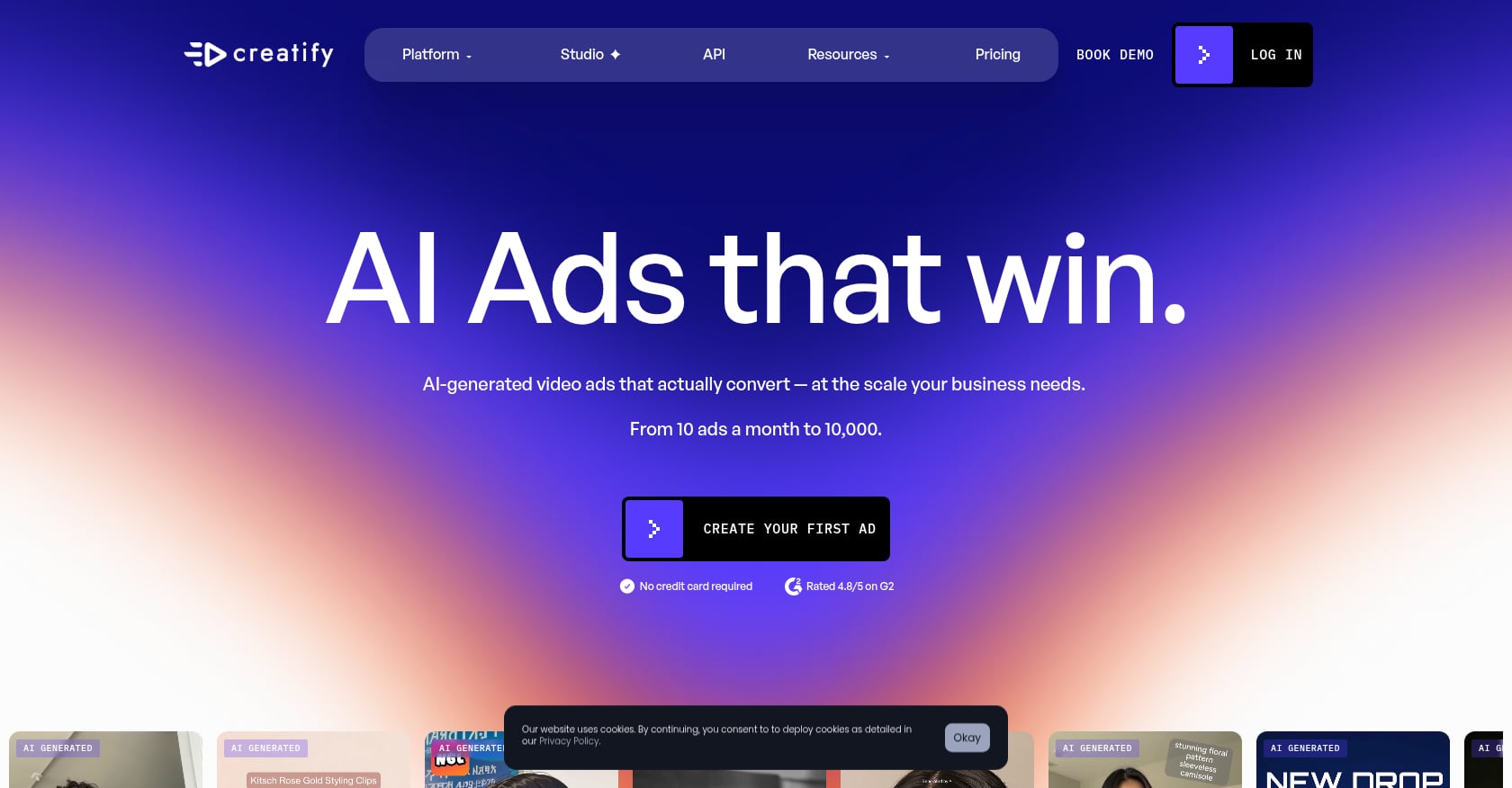
Best for: Performance marketers who want to paste a product URL and generate multiple UGC-style ad variants quickly.
Pricing:
- Free plan with limited credits and watermarked output
- Starter: ~$39/month for 100 credits
- Pro: ~$99/month with larger credit allowances
Key features:
- Product URL-to-video workflow that pulls images, title, and price from a Shopify link.
- AI actors and avatars for UGC-style ads.
- Script generation with hook-problem-solution structure.
- Batch mode and competitor ad tracking on higher tiers.
Tradeoffs:
- Credit burn is a well-documented pain point. Practitioners on Reddit report that a single long lip-sync video can consume an entire 100-credit monthly plan. One commenter recommended keeping AI lip-sync clips to 5-10 seconds and stitching them together for better quality and credit efficiency.
- Output can feel recognizably “AI UGC” rather than genuinely native to the market.
- Less differentiated for multilingual or multi-market campaigns.
User perspective: G2 reviewers praise Creatify’s speed and avatar library but flag restrictive credit systems, failed edits consuming credits, and occasional uncanny avatar movement.
3. Tagshop AI
Best for: Ecommerce brands that want AI UGC ads with product-holding avatars and product-link inputs.
Pricing: Verify current pricing directly. Third-party sources show conflicting or incomplete information.
Key features:
- Turn a product URL or script into a UGC-style video.
- 300+ avatars, 75+ languages, AI Twin option.
- Product-in-hand and product-demo video formats.
- Direct publishing to major social platforms.
Tradeoffs:
- Pricing transparency is harder to verify than some competitors.
- Reddit discussions include complaints about renewal and refund experiences.
- Like all AI video tools, output needs manual review for product accuracy.
User perspective: G2 shows Tagshop AI at 4.9 out of 5 from 136 reviews, with users praising ease of use and the ability to create realistic product-holding avatar videos quickly.
4. Pippit
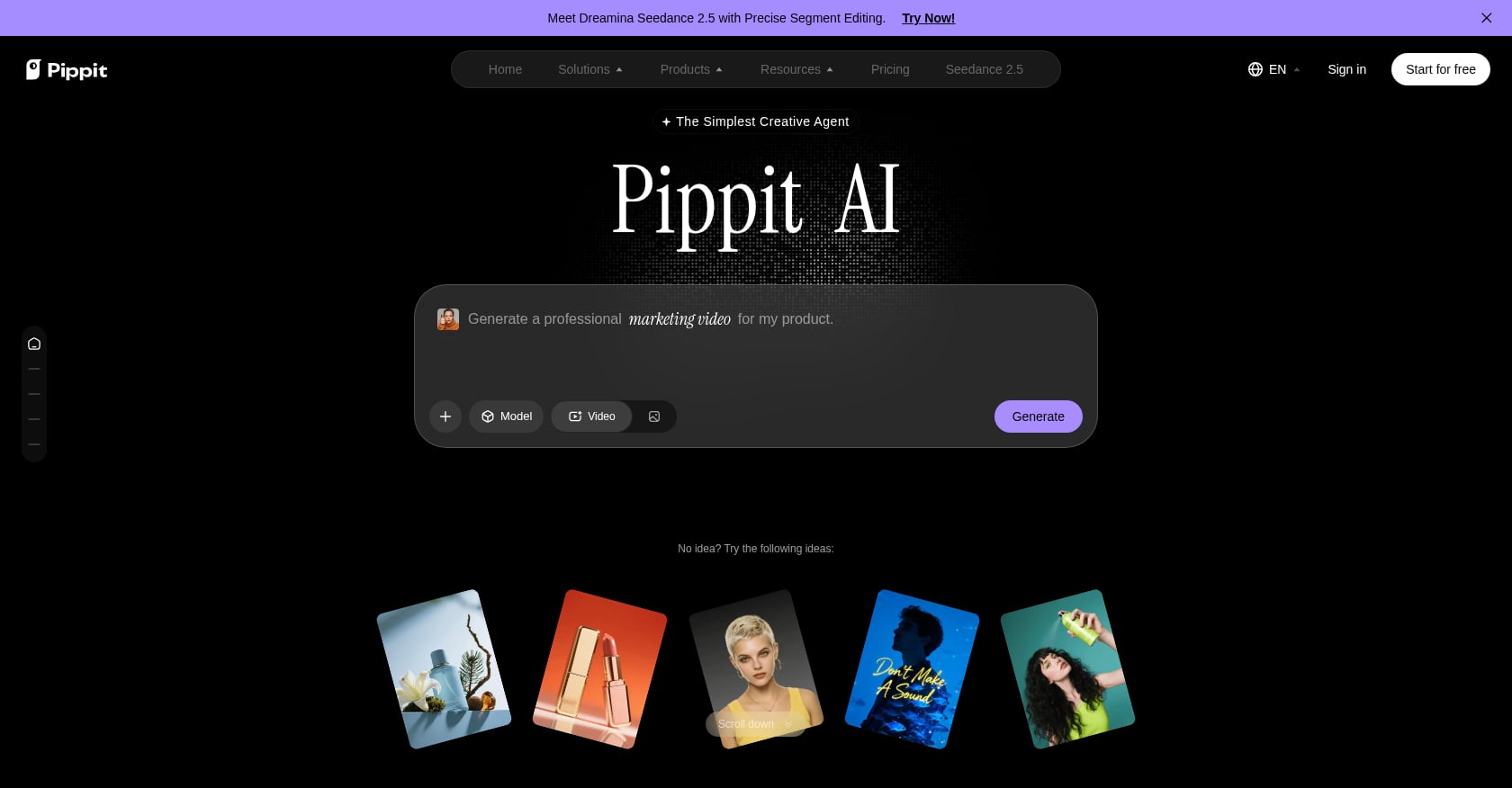
Best for: Shopify sellers who also sell on TikTok Shop and want video creation plus publishing in one platform.
Pricing:
- Free plan with 150 credits/week
- Starter: ~$24/month billed annually (pricing has shifted across sources, so verify directly)
- Higher tiers with more credits and features
Key features:
- Product link-to-video workflow.
- AI avatars and image studio.
- Scheduling and multi-platform publishing.
- TikTok Shop links and analytics.
- Formerly CapCut Commerce Pro, so it sits inside the TikTok/ByteDance ecosystem.
Tradeoffs:
- User sentiment is inconsistent across platforms. G2 shows 4.3/5 from a small sample, while Trustpilot scores are significantly lower.
- Pricing and credit structures have changed over time, making cost planning harder.
- Strongest when TikTok Shop is central to your business, less compelling as a standalone ad generator.
User perspective: Shopify App Store feedback praises time-saving template workflows, while criticism focuses on customer support and export troubleshooting.
5. HeyGen
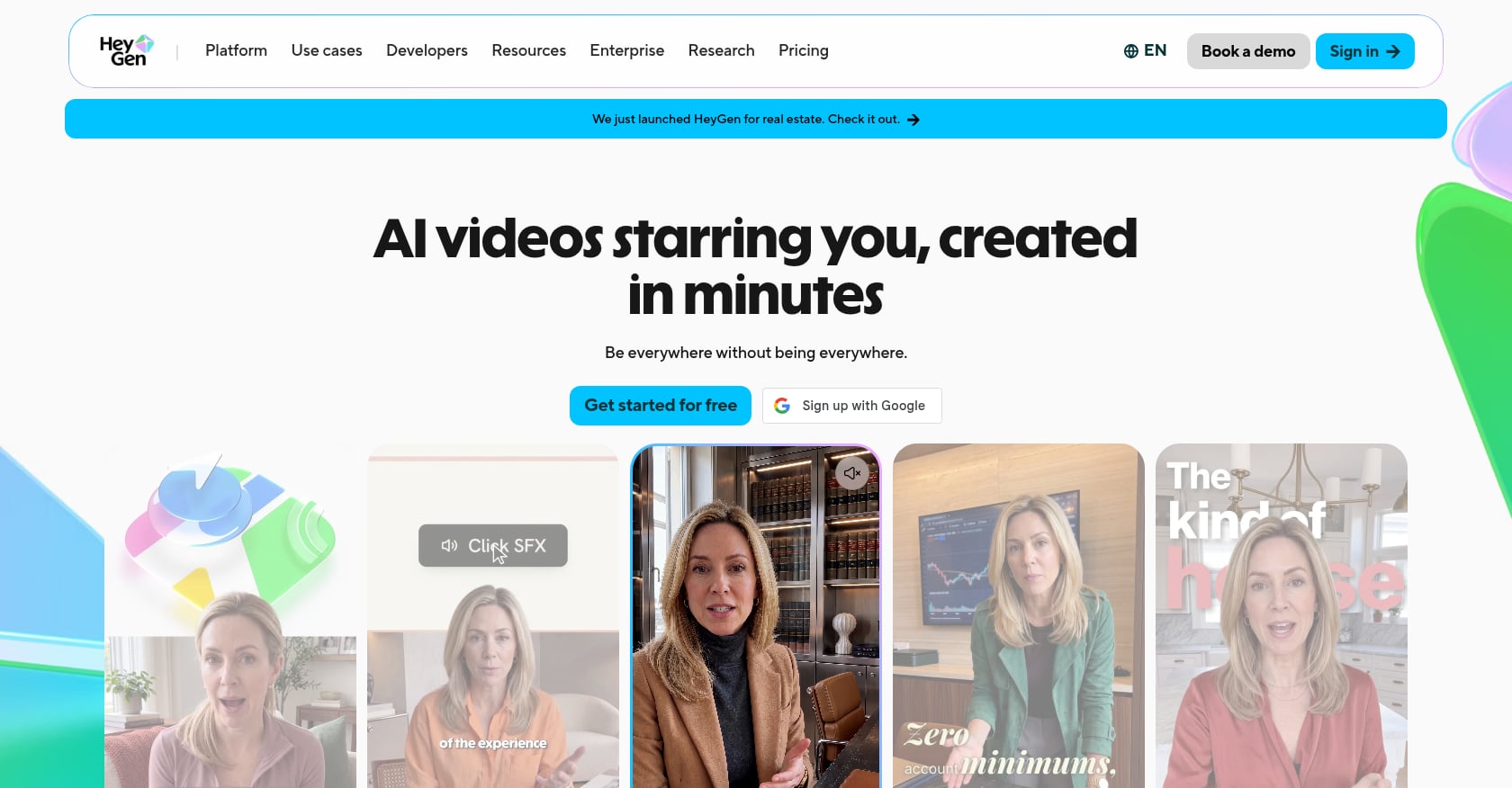
Best for: Brands that need polished AI spokesperson videos, product demos, or multilingual avatar content.
Pricing:
- Free plan with limited videos
- Creator: ~$24/month annually or ~$29 monthly
- Pro: ~$99/month
- Business: ~$149/month
Key features:
- Realistic AI avatars with strong lip sync.
- Product placement and presenter-style demos.
- Voice cloning and multilingual video generation.
- Brand system that reads URL-level branding signals.
Tradeoffs:
- Can be overkill for scrappy direct-response Shopify UGC ads.
- Separate credit pools and caps for higher-end features can make pricing confusing at scale.
- Not primarily a Shopify-native or catalog-connected tool.
User perspective: G2 shows nearly 2,000 reviews with strong praise for avatar realism and professional output. The common complaint: features you actually want often require upgrading to more expensive tiers.
6. Topview AI
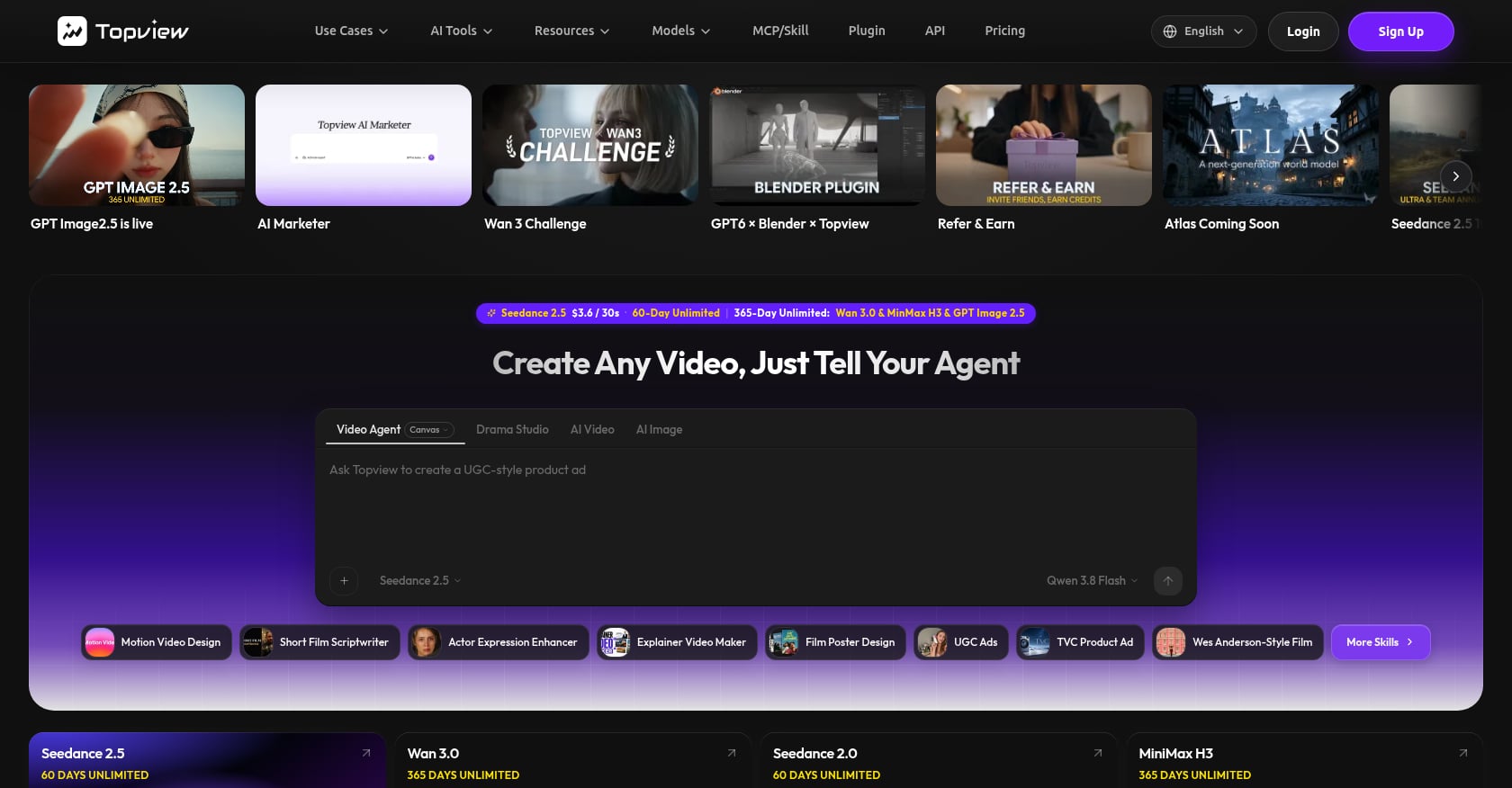
Best for: Budget-conscious sellers producing many short product ads who can tolerate quality variance.
Pricing:
- Free plan with 10 one-time credits, watermark, no commercial use
- Pro: ~$16/month billed annually
- Business: ~$44/month billed annually
Key features:
- URL-to-video product ad generation.
- Pulls product images, price, and descriptions automatically.
- Product Avatars for recurring presenter consistency.
- Relaxed/unlimited generation on some tiers.
Tradeoffs:
- “Unlimited” often means slower queue priority, not instant high-volume production.
- Free plan does not include commercial use rights, so you cannot run free-tier output as paid ads.
- Quality varies significantly across renders.
User perspective: Trustpilot reviews describe Topview as user-friendly but mention long waits on non-priority queues and confusion around the coin/credit system.
7. InVideo AI
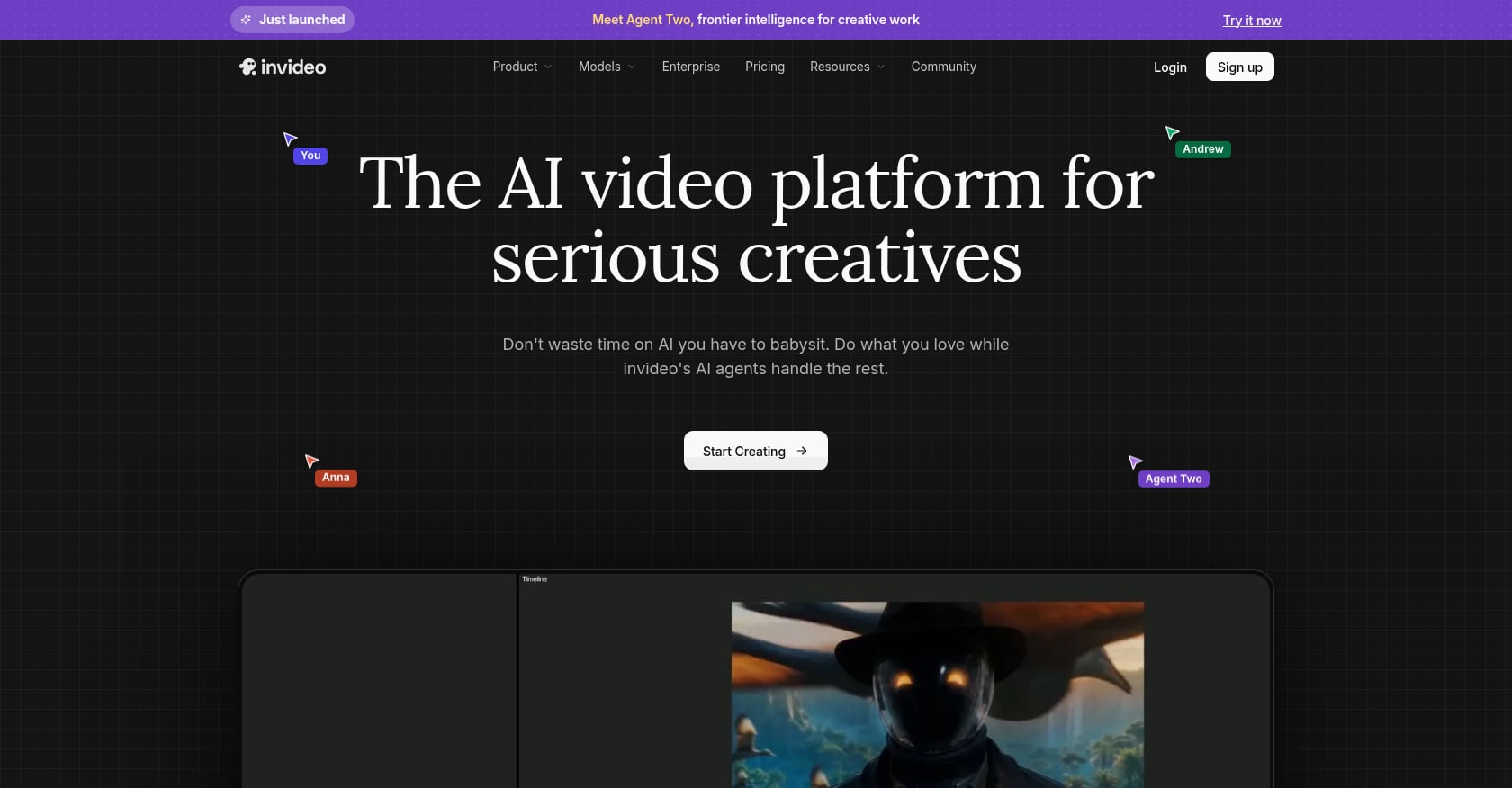
Best for: Shopify sellers who want an all-in-one editor with templates, stock assets, and AI scripting rather than pure automation.
Pricing:
- Free plan with watermark
- Plus: ~$20-25/month
- Max: ~$48-60/month
- Generative: ~$120/month
Key features:
- Text-to-video and template-based creation.
- Large template library with social-format presets.
- AI scripting from product descriptions.
- Stock media library and voiceover tools.
Tradeoffs:
- Not the strongest “paste a Shopify URL and get ad variants” tool. Requires more manual input.
- Credit consumption can surprise users. G2 reviewers report that real AI generation burns through credits faster than plan descriptions suggest.
- Output tends to feel template-driven rather than custom.
User perspective: G2 and Capterra reviews surface both ease-of-use praise and strong complaints about credit consumption and refund friction.
8. Runway
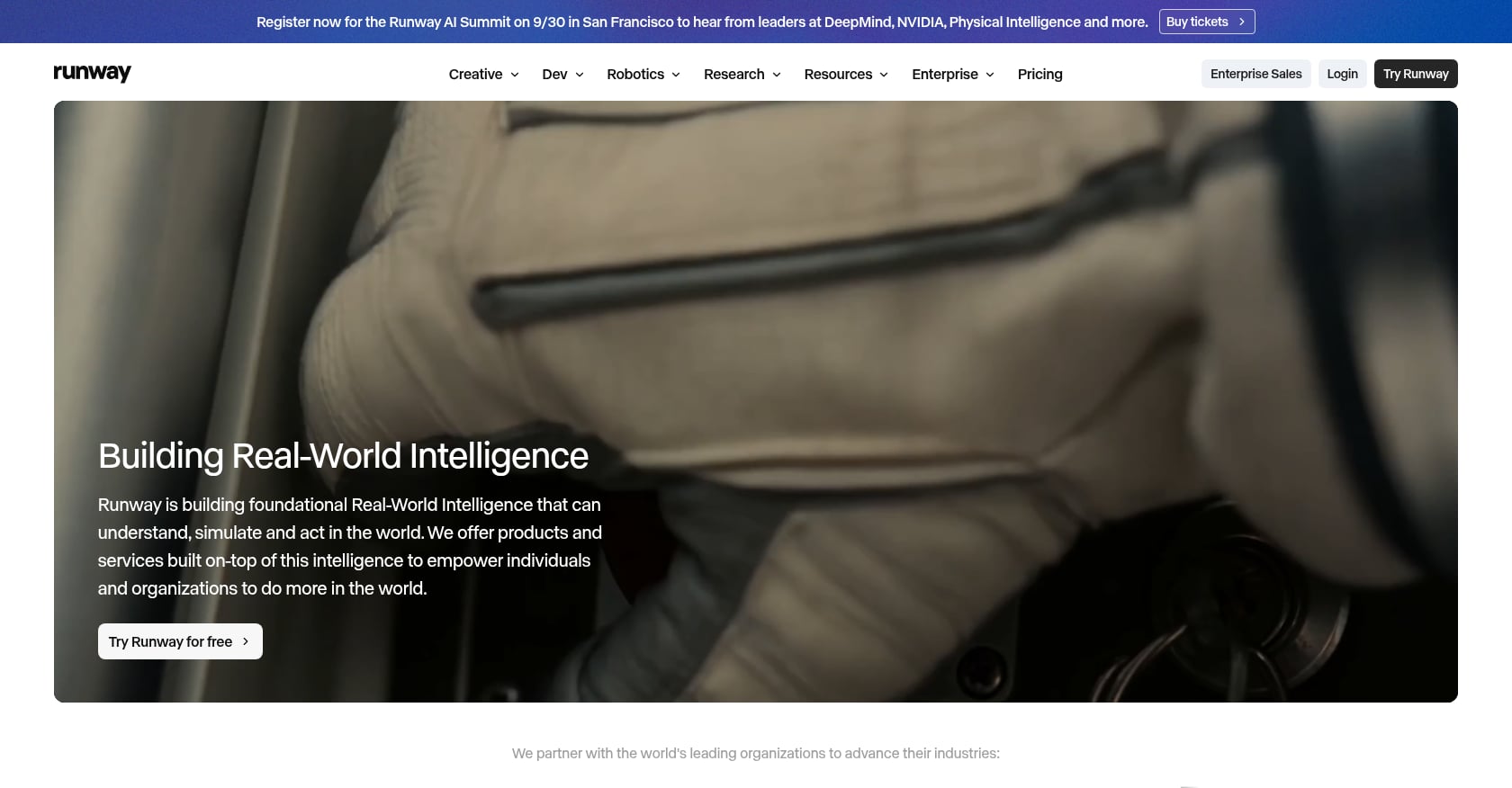
Best for: Brands and agencies producing cinematic product b-roll, hero launch shots, or luxury reveal visuals.
Pricing:
- Free plan with 125 one-time credits
- Standard: ~$15/month
- Pro: ~$35/month
- Higher unlimited tiers available
Key features:
- Text-to-video and image-to-video generation.
- Cinematic product scenes with camera and motion controls.
- Highest visual generation quality in this list.
Tradeoffs:
- Not a Shopify product video automation tool. No URL-to-video workflow, no ad templates, no UGC formats.
- No built-in presenter, voiceover, or script workflow. Audio is handled separately.
- Credit-based model gets expensive when iterating through many product shots.
User perspective: Gartner and Trustpilot reviews mention that Runway’s credit model feels restrictive when projects require many retries, and outputs sometimes do not follow reference material closely enough.
Use Runway for the one beautiful hero shot. Use a different tool for the Shopify product ads you need to ship and test.
9. Tolstoy
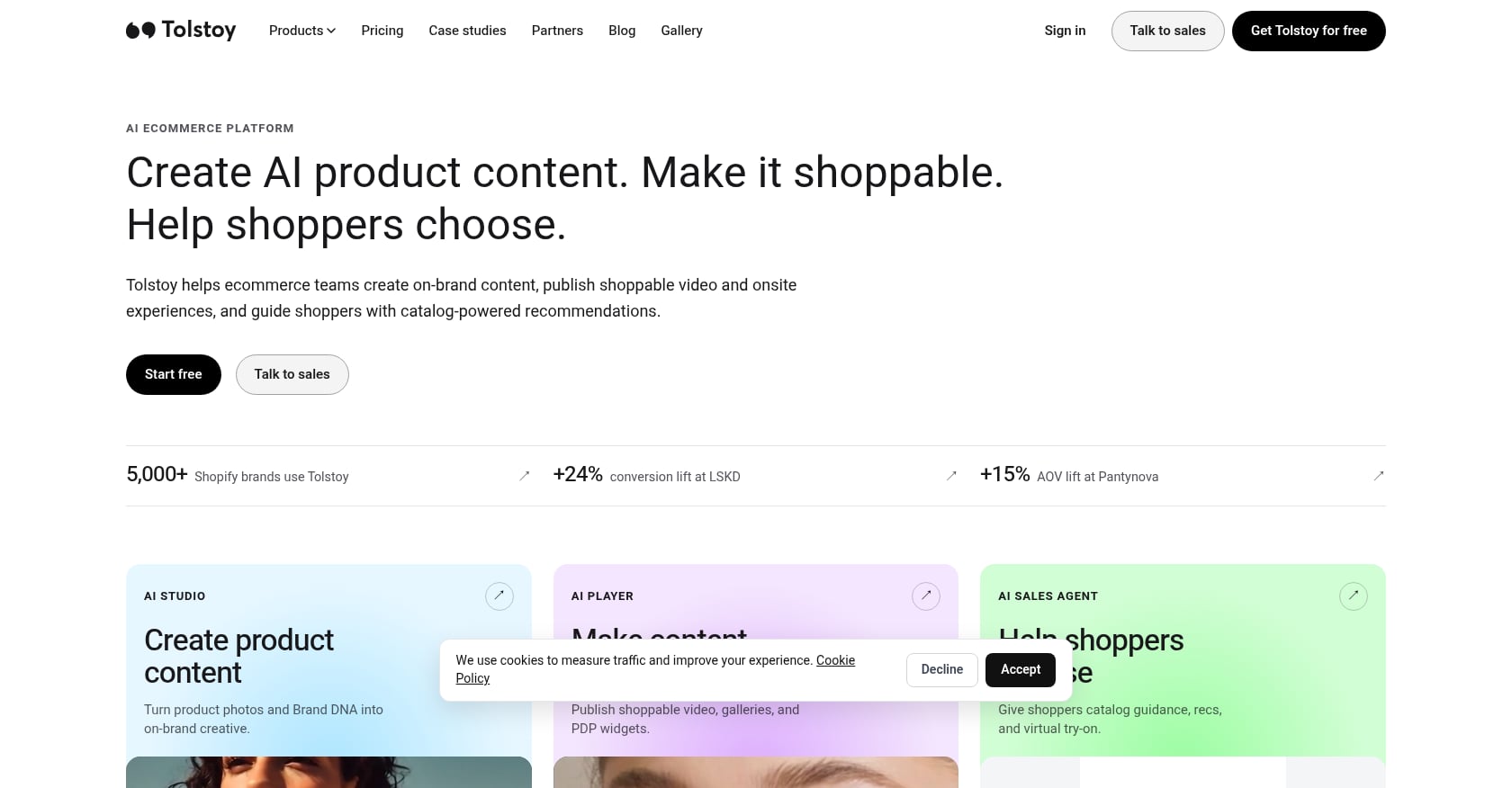
Best for: Shopify merchants who already have videos and want to make them shoppable on product pages, homepages, and the Shop App.
Pricing:
- Free plan
- Starter: $12/month (or $96/year), 5,000 viewers/month
- Plus: $44/month (or $348/year), 20,000 viewers/month
- Pro: $195/month (or $1,548/year), 100,000 viewers/month
- Extra viewers charged separately
Key features:
- Shoppable video widgets for Shopify product pages.
- Product tagging with add-to-cart overlays.
- Import from Instagram Reels and TikTok.
- AI Studio tokens for product images and videos.
- Analytics and revenue tracking.
Tradeoffs:
- Not primarily a video creation tool for ads. It is a deployment and commerce layer.
- Viewer-based pricing means high-traffic stores need to calculate total cost carefully.
- Works best paired with a creation tool that produces the source videos.
User perspective: Shopify App Store shows 4.7/5 from 267 reviews. Reviewers praise support and setup help. The small share of negative reviews mention implementation friction.
10. Videowise
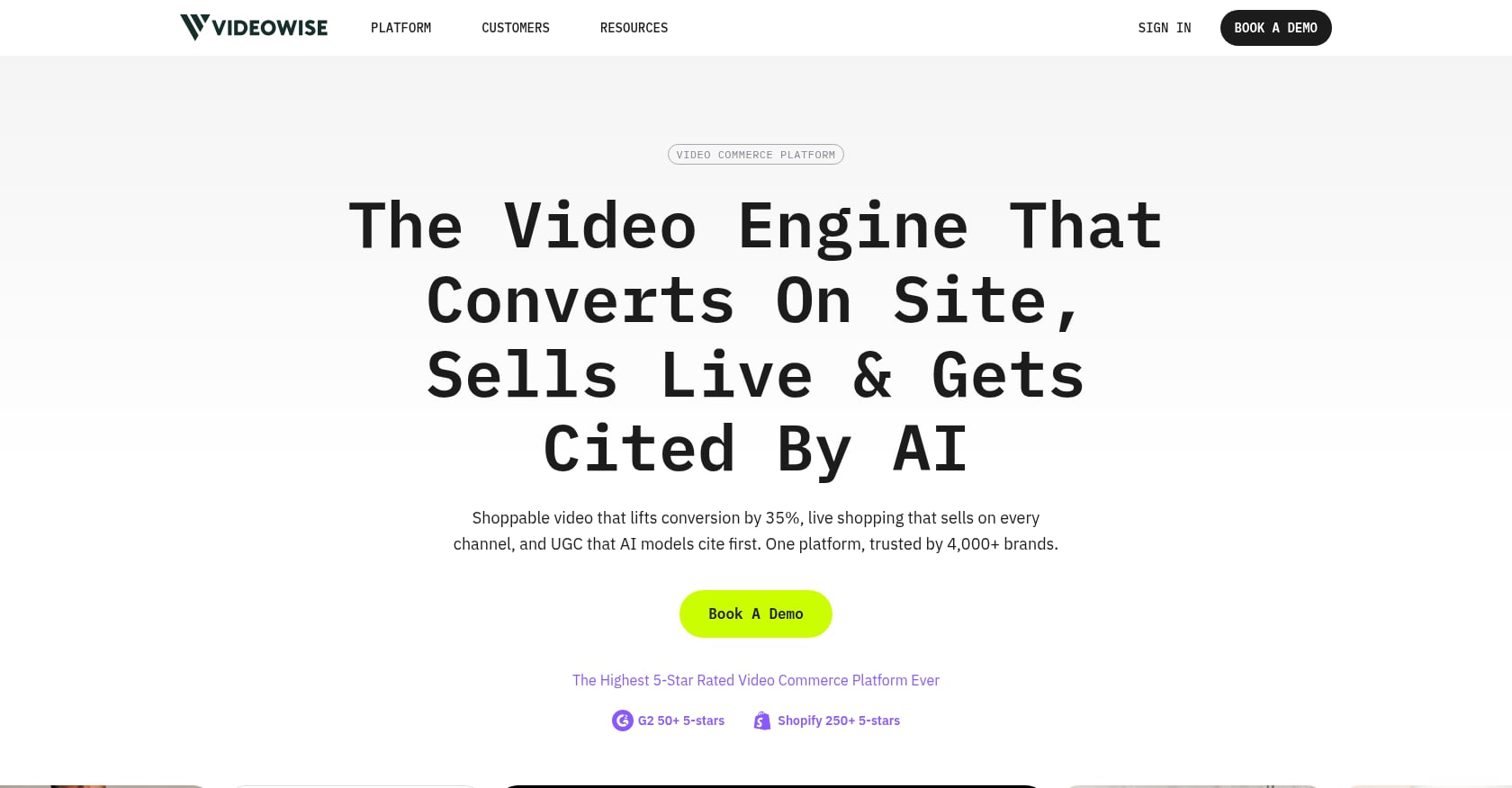
Best for: Shopify brands focused on shoppable video analytics, A/B testing, and PDP conversion optimization.
Pricing:
- Free plan
- Pro: $9/month, 5,000 unique widget impressions
- Extra impressions: $10
- 14-day free trial on Pro
Key features:
- Shoppable video widgets on product pages and Shop App.
- Import and sync from Instagram and TikTok.
- Product tagging and add-to-cart functionality.
- Advanced analytics and A/B testing on paid plans.
- No-code installation.
Tradeoffs:
- Not a video generator. You need to bring or create videos elsewhere.
- Impression-based pricing can scale unexpectedly on high-traffic pages.
- Best used after you have a steady video production pipeline in place.
User perspective: Shopify App Store shows 4.8/5 from 251 reviews. Reviewers praise customization, A/B testing, and site-speed optimization. Some negative reviews mention unexpected charges.
Shopify Product Videos for Ads vs. Product Pages
When merchants search for automatic Shopify product video tools, they often mean two very different things.
Ad and reel videos need to stop the scroll. They open with a hook, introduce a problem or desire, show the product, and drive a click. TikTok’s creative research shows that ecommerce ads combining voiceover with a written offer saw an 87% lift in conversion, and videos with multiple scenes outperformed single continuous shots by 38%. These are the videos that Flona, Creatify, Tagshop AI, and Pippit are built to produce.
Product-page videos need clarity. They help shoppers understand size, texture, fit, how the product works, or what results to expect. These videos do not need scroll-stopping hooks. They need accuracy and trust. Tolstoy and Videowise are built to deploy these videos on your Shopify store with product tags, analytics, and shoppable overlays.
A single Shopify product often needs both. A skincare brand might need a TikTok creator ad (“I tried this for 7 days”), a Reels product-first ad (problem, solution, CTA), a product-page demo (how to apply), and a festive campaign version for a regional market. That is four different video jobs from one SKU. Tools that let you store products in a workspace and generate multiple formats across markets from one brand setup are designed for this kind of multi-job volume.
The Real Cost of AI Shopify Product Videos
Do not compare tools by monthly subscription price alone. Compare them by the number of usable videos you actually ship.
Real cost per approved video = monthly plan cost divided by the number of usable videos after failed renders, edits, and rejected outputs.
If a $29 plan gives you 20 drafts but only 5 pass your quality check, your real cost is $5.80 per approved video, not the $1.45 per draft the surface math suggests.
This is not a theoretical concern. G2’s analysis found that pricing complaints are among the most common across the AI video category, with users repeatedly pointing to credit consumption, forced upgrades, and the gap between advertised features and real output on your tier.
Three costs to track for any tool:
Subscription price. The monthly or annual plan fee. Annual billing usually saves 15-20%.
Credit burn per video. Credits are consumed differently depending on video length, resolution, model, lip-sync quality, and number of retries. A 15-second product ad might cost 5 credits. A 60-second lip-synced demo might cost 50.
Approval rate. How many generated videos are good enough to actually use? If you reject half your output, your effective cost doubles.
For Flona AI, the free plan includes 100 monthly credits with no credit card. The Growth Pro at $99/month gives 850 credits. Credits remain available for two months from the date added, and stackable top-ups start at $5. For Tolstoy and Videowise, the cost model is entirely different: you pay based on viewers or widget impressions, not video generation. Factor all of these into your total cost calculation.
The 10-Minute Test Before You Pay
Reddit users who have compared AI video tools consistently say side-by-side testing is more useful than any comparison article. One user who ran the same script through four different tools said the results were dramatically different despite identical inputs.
Here is a quick test protocol you can run before committing to any annual plan:
- Pick one SKU from your Shopify store.
- Sign up for free plans on 2-3 tools from this list.
- Use the same product URL or product photos in each.
- Request the same format: a 15-second vertical product ad.
- Use the same offer and target market.
- Generate one video from each tool.
Then score each output on 100 points:
- Product accuracy (20 points). Is the product name, color, packaging, and price correct? Does the video invent benefits?
- Hook/script quality (15 points). Would this stop your scroll?
- Creator/voice believability (15 points). Does the presenter sound and look like someone from the target market?
- Editing control (15 points). Can you fix the script or captions before or after rendering?
- Speed (10 points). How long from input to first draft?
- Cost per approved video (10 points). How many credits did this cost?
- Market/language fit (10 points). Does the output feel native in the target region?
- Shopify workflow fit (5 points). How easily does this video get into your ad account or product page?
Product accuracy deserves special attention. A Shopify owner on Reddit asking about AI video tools for baby and pet products was advised to prioritize product accuracy and consistency over chasing the most realistic-looking avatar model. AI tools can subtly change product colors, invent features, or show avatars holding products in unrealistic ways. Five minutes of review prevents trust issues with your customers.
Why Market-Native Beats Translated
Most AI video tools treat localization as a final step: generate the video in English, then translate, dub, or subtitle. That works for the words on screen. It does not work for the hook, pacing, selling style, or cultural context.
Consider how shopping content differs across markets. Indian ecommerce ads often rely on code-mixing between Hindi and English, regional festival references, and creator styles that vary sharply between Mumbai, Chennai, Kolkata, and Bangalore. A US-style product ad translated into Hindi keeps the wrong hook, the wrong pacing, and the wrong creator cues.
Flona’s approach is to select the market before the script is written. The script, creator, voice, dialect, and visual style are all built for that market from the start. This is not just about supporting more languages. It is about making the first draft closer to how that market already buys.
For D2C brands selling across India, Southeast Asia, Europe, or the Americas, the advantage is not making more videos. It is making videos where the first draft already speaks the market’s language in every sense, not just the literal one.
Automatic Does Not Mean Publish Without Review
AI-generated product videos are fast to produce. They are not always safe to publish. Before running any AI Shopify product video as a paid ad or embedding it on a product page, check:
- Product visuals. Are the logo, color, packaging, and SKU details accurate?
- Claims. Does the video invent benefits, ingredients, or results?
- Price and offer. Is the current offer correct, or did the AI pull outdated information?
- Pronunciation. Is the brand or product name spoken correctly?
- Captions. Are captions aligned with the audio and free of errors?
- Commercial rights. Does your plan include commercial use, or is output watermarked?
- Platform policy. Meta is expanding AI transparency labels for ads created with generative AI. Understand what disclosure your platform requires.
- AI Twin consent. If the video features a cloned face or voice, ensure you have documented consent. Flona handles this through a consent-based AI Twin framework with retention and deletion controls.
This checklist takes five minutes. Skipping it risks ad disapprovals, customer trust issues, and returns from misrepresented products.
Which Tool Should You Choose?
Pick based on your primary job.
Choose Flona AI if you sell across markets, languages, or regions and need product ads and reels that feel locally made. Strongest for D2C brands, agencies, and performance marketers running multilingual campaigns.
Choose Creatify if you need fast URL-to-UGC ad variants for a single market and can manage credit-based iteration.
Choose Tagshop AI if product-holding UGC-style ads are your priority and the pricing works for your volume.
Choose Pippit if TikTok Shop and Shopify publishing integration are central to your workflow.
Choose HeyGen if you need polished avatar product demos or multilingual presenter videos.
Choose Topview AI if budget is the main constraint and you can filter output quality.
Choose InVideo AI if you want template-based editing control more than full automation.
Choose Runway if you need cinematic product shots for hero campaigns, not daily ad production.
Choose Tolstoy or Videowise if your main goal is making existing videos shoppable on Shopify product pages with analytics and product tagging.
For most Shopify merchants generating product videos automatically across multiple markets, Flona gives you the strongest combination of brand awareness, market-native output, and editorial control before rendering.
Start free with 100 monthly credits, no card required
For agencies managing multiple brands or teams that need custom credit volumes and workspaces, talk to the Flona sales team.
Frequently Asked Questions
What is the best tool to generate Shopify product videos automatically?
It depends on the job. For market-native product ads and reels across languages and regions, Flona AI is the strongest pick. For fast URL-to-UGC ad variants, Creatify and Tagshop AI are strong options. For shoppable product-page video deployment, Tolstoy and Videowise are better suited.
Can AI create a product video from a Shopify product URL?
Yes. Several tools, including Creatify, Tagshop AI, Pippit, and Topview, can pull product details from a URL and generate a video. Flona AI works from product and brand URLs to generate market-adapted ads and reels. Quality, scripting, and market fit vary significantly between tools, so test with your actual product before committing.
Does Flona AI have a Shopify app?
Based on currently available information, Flona does not have a native Shopify app or direct catalog sync. It works from product and brand URLs, which covers most ad and reel creation workflows. For native Shopify app needs like shoppable product-page widgets, look at Tolstoy or Videowise.
Are AI product videos good enough for paid ads?
For many social ad use cases, yes. TikTok’s own creative research shows that ecommerce videos with captions and clear CTAs see significant conversion lifts. The key is testing AI-generated creatives the same way you test any other ad, and reviewing for product accuracy and platform compliance before launch.
How much do AI Shopify product video tools cost?
Monthly plans range from free to $199 or more. But the real cost is per approved video, not per subscription. A $29 plan that produces 5 usable videos costs $5.80 each. A $99 plan that produces 40 usable videos costs $2.48 each. Always test with the exact product, length, and quality you need before locking into an annual plan.
What is the difference between AI product videos and shoppable videos?
AI product video tools create the video asset. Shoppable video platforms like Tolstoy and Videowise deploy that video on your Shopify store with product tags, add-to-cart buttons, and performance analytics. Most Shopify merchants need both: a creation tool and a deployment layer.
Can I create Shopify product videos in Hindi or other Indian languages?
Flona AI supports 70+ languages with native speech styles, and its market-first approach adapts scripts to local dialects, code-mixing patterns, and cultural context. Other tools like Creatify and Tagshop AI also support multiple languages, though their localization tends to work more as translation than full market adaptation.
What should I check before publishing an AI product video?
At minimum: product name pronunciation, visual accuracy (colors, packaging, logo), claim accuracy, price/offer correctness, caption alignment, commercial use rights, watermark status, platform disclosure requirements, and AI Twin consent if a cloned face or voice is used.
For more guides on AI video marketing and product ad workflows, visit the Flona blog.