Sep 15, 2026
Which AI Video Generator Supports 70 Plus Languages? 2026
Wondering Which AI Video Generator Supports 70 Plus Languages? Compare 7 tools for ads, training, and dubbing in 2026. See picks and use cases.

TL;DR
Several AI video generators support 70 plus languages, including Flona AI, Synthesia, HeyGen, Colossyan, AI Studios, Elai.io, and D-ID. The right choice depends on whether you need localized ads, corporate training, existing-video translation, or API-driven avatars. Language count alone is a weak buying criterion because “70+ languages” can mean voiceovers, subtitles, dubbing, or full market-native creative, and each tool defines it differently.
Video is not an optional marketing format anymore. Wyzowl’s 2026 data shows that 91% of businesses use video as a marketing tool, 85% of viewers have been convinced to buy after watching a video, and 63% of people prefer short video when learning about a product or service. When you multiply that across languages and markets, the question shifts from “should we make video?” to “which AI video generator supports 70 plus languages well enough to actually sell?”
The answer is not a single tool. It is a shortlist that depends on the job you need done.
For localized short-form ads and reels that feel native to each market, Flona AI is the strongest fit. It combines 70+ language support with brand-aware URL input, market intelligence, and local AI creators, so the output is adapted to each audience rather than simply translated. For enterprise training, Synthesia and Colossyan are established options. For translating existing talking-head videos with lip sync, HeyGen, AI Studios, and D-ID cover the widest range.
Explore Flona AI plans to see how credits work across all 70+ languages with no separate localization fee.
But before picking any tool, you need to understand what “supports 70+ languages” actually means, because it means something different on every platform.
Quick comparison: AI video generators with 70+ language support
| Tool | Languages claimed | Starting price | Free plan? | Best for | Main limitation |
|---|---|---|---|---|---|
| Flona AI | 70+ with native speech styles | $29/mo (Starter) | Yes, 100 credits/mo | Market-native short-form ads and reels | Newer public footprint; no third-party case studies yet |
| Synthesia | 160+ for video creation | $29/mo or $18/mo annually | Yes (Basic, 1,200 credits/mo) | Enterprise training and internal comms | Corporate avatar style; 1-click translation gated on higher plans |
| HeyGen | 175+ dialects on paid plans | $29/mo (Creator) | Yes, 3 videos/mo up to 1 min | Lip-synced video translation | Credit costs vary sharply by feature; user frustration around pricing |
| Colossyan | 87 translation languages; 120+ variants | $59/mo annually (Professional) | Starter option available | Interactive multilingual training (SCORM) | Each language variant consumes separate minutes; no rollover |
| AI Studios | 150+ languages | $24/mo annually (Personal) | Yes, up to 3 videos | Presenter-led business videos and dubbing | More corporate/newsdesk feel than social UGC |
| Elai.io | 75+ language translation | $23/mo (Basic) | No standalone free plan | E-learning with interactive avatars | Avatar realism and rendering delays noted in reviews |
| D-ID | 120+ languages | $14.40/mo annually (Build) | 14-day trial | API-driven talking avatars and visual agents | Watermarks on lower plans; not a full creative ad platform |
What “supports 70+ languages” actually means in AI video
This is where most comparison articles fall short. A tool claiming 70 or even 175 languages might be talking about any one of these capabilities, and they are not interchangeable.
Voiceover generation
The tool can produce synthetic speech in different languages. That does not mean the avatar mouth movements, captions, or script quality are localized. AI Studios, for example, says users can generate voiceovers in 150+ languages and regional accents using text.
Avatar narration
The user writes a script in a target language, selects an avatar and voice, and generates a presenter video. Synthesia uses this model, supporting 160+ languages for avatar-led video creation.
Existing-video dubbing
The user uploads a finished video and the tool generates a translated version with a new voice. HeyGen gates its full 175+ language and dialect library behind Creator and Pro plans, while the free plan offers only 30+ languages.
Lip-sync translation
The platform tries to match mouth movement to the translated audio. This matters for talking-head content but still has limits. Practitioners on Reddit report that lip sync is often the thing that exposes AI-generated content, especially when longer sentences cause drift or jaw stiffness.
Market-native creative localization
This goes beyond translation. It means adapting the hook, selling style, dialect, creator appearance, speech pacing, and visual conventions for each market. This is where Flona AI is positioned: generating market-native AI video rather than running a script through a translation engine.
A 2026 study in the Journal of International Marketing found that AI-translated marketing videos produced lower language comprehension, lower naturality, and lower accent neutrality compared to human translation in an English-to-Indonesian test. The takeaway: AI video tools are valuable for speed and scale, but literal translation can still underperform when language, accent, or selling style feel off.
Why this distinction matters
A tool that supports 160+ voices may still fail if the translated hook sounds literal, the creator does not feel local, captions mismatch the voiceover, or the script ignores category norms for that market. Before asking which AI video generator supports 70 plus languages, ask what kind of language support you actually need.
The 7 best AI video generators with 70+ language support
1. Flona AI
Best for: market-native short-form ads and reels
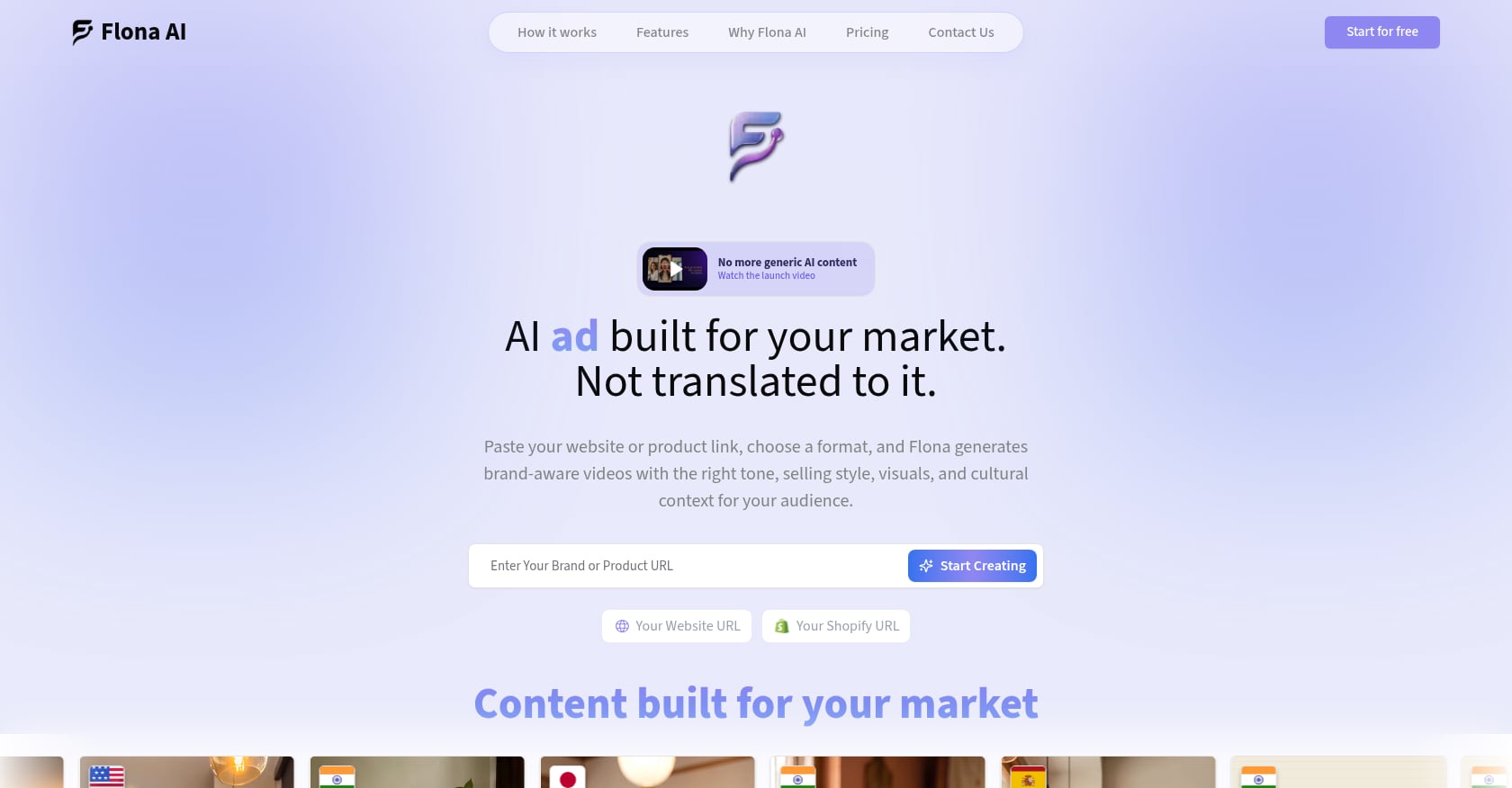
Flona AI takes a different approach to multilingual video. Instead of starting with a template or existing footage, it reads a brand or product URL, builds a brand profile (products, visuals, tone, audience), and generates creator-led or product-first videos using local AI creators and market intelligence. That market intelligence layer adapts language, dialect, selling style, pacing, and visual conventions so the output feels native rather than translated.
Pricing:
- Free: $0/month, 100 credits/month, no credit card required
- Starter: $29/month, 200 credits/month (approximately 10 ads/reels)
- Growth-Pro: $99/month, 850 credits/month (approximately 42 ads/reels)
- Enterprise: custom pricing
- Top-ups: $5/35 credits, $10/70, $25/180, $50/400
- Credits remain available for two months from the date added
Key features:
- 70+ languages with native speech styles, no separate localization fee
- Brand-aware URL input (website or Shopify)
- Pre-generated local AI creators for many markets
- Custom AI creators and AI Twins (consented face/voice cloning)
- Built-in editor for scripts, voices, captions, visuals, scenes, music
- Creator-led and product-first formats from one brand setup
- Multi-brand workspaces for agencies
- Consent-first privacy and data controls for AI Twin cloning
Tradeoffs:
- Not a long-form or cinematic production suite
- Export-only; does not place media buys on your behalf
- Credits expire after two months
- Public proof base is lighter than established incumbents
Who should use it:
D2C brands running multi-market ads, Shopify merchants, Indian brands targeting regional-language audiences (Hindi, Marathi, Kannada, Malayalam, Tamil, Telugu, and more), and agencies producing localized creative for multiple clients. This is especially relevant given that 870 million Indian internet users accessed the internet in Indic languages in 2024, with 57% of urban users preferring Indic-language content.
Learn how Flona AI works to see the URL-to-ad workflow in action.
2. Synthesia
Best for: enterprise training and internal communications
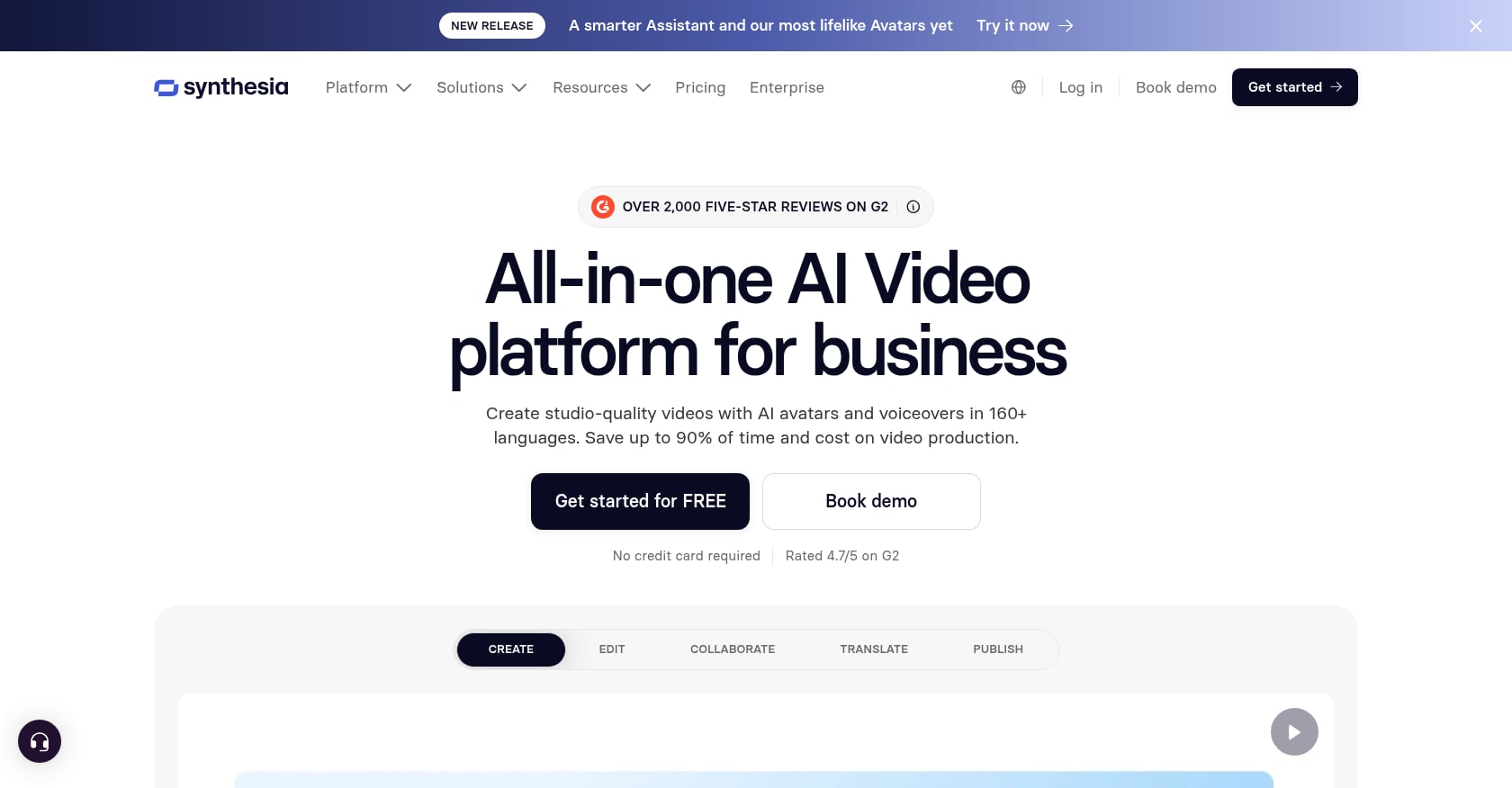
Synthesia is the category leader for avatar-led corporate video. Its pricing page says users can create videos with AI avatars and voiceovers in 160+ languages, making it one of the broadest language libraries available. The platform is built around structured, presenter-style video, not social-first ad creative.
Pricing:
- Basic: $0/month, 1,200 credits/month, up to 10 minutes of video
- Starter: $29/month (or $18/month annually), 1,200 credits/month
- Creator: $89/month (or $64/month annually), 3,600 credits/month
- Enterprise: custom, with unlimited video minutes and 1-click translations into 80+ languages
One second of generated video costs 2 credits, while one minute of AI dubbing with lip sync costs 50 credits, so dubbing burns credits much faster than generation.
Key features:
- 160+ languages for video creation
- AI dubbing
- 240+ stock AI avatars (Enterprise)
- Custom avatars and brand kits
- SCORM export (Enterprise)
- API access on Creator
- Interactive videos
Tradeoffs:
- Strong for polished corporate video; weaker for social-first UGC ads
- 1-click translation is not the same as native-market creative adaptation
- Enterprise features like SSO, SCORM, and unlimited minutes require custom contracts
- Credit consumption varies significantly between generation and dubbing
User perspective:
G2 users rate Synthesia 4.6/5 from 2,736 reviews, praising ease of use, avatar quality, and diverse languages. Common complaints focus on limited avatar customization and occasionally artificial-looking movement. One Reddit user in an e-learning thread noted that Synthesia’s large avatar library and roughly 140 languages are useful for international courses, but the tool “feels built for compliance departments” and becomes tedious for repeated updates.
3. HeyGen
Best for: lip-synced video translation
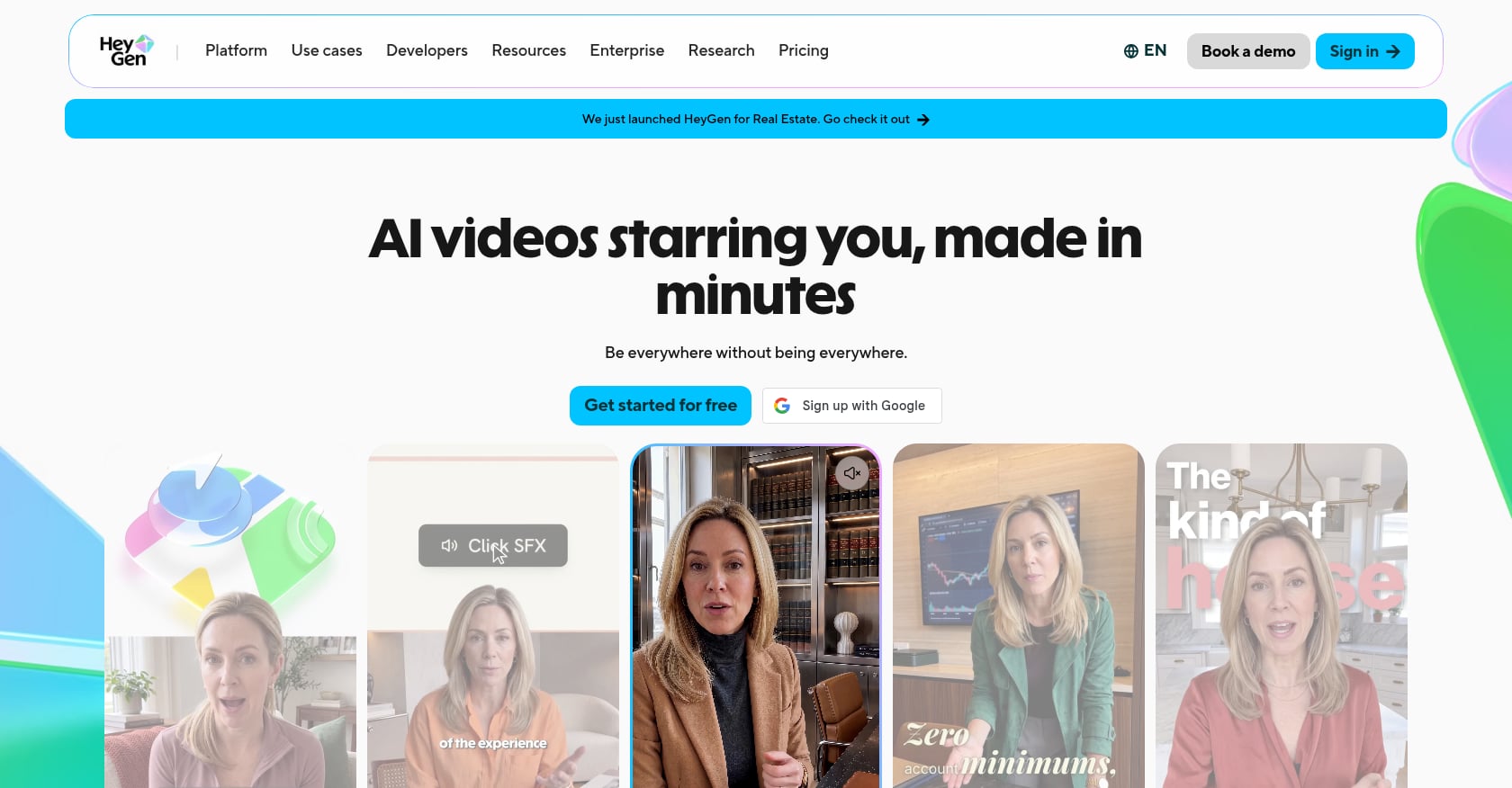
HeyGen has carved out a strong position in existing-video translation. If you already have a founder video, product walkthrough, or sales pitch recorded in one language, HeyGen can translate it with voice cloning and lip sync across 175+ languages and dialects on paid plans. That makes it one of the widest multilingual video translation tools available.
Pricing:
- Free: $0, 3 videos/month up to 1 minute, 30+ languages
- Creator: $29/month (or $24/month annually), 600 credits, 175+ languages
- Pro: $49/month, 1,000 credits, 4K export
- Business: $149/month + $20/seat, 1,500 credits
Credit costs vary sharply: Avatar III costs 3 credits/minute, Avatar IV/V costs 20 credits/minute, full video translation with lip sync costs 5 credits/minute, and Video Agent costs 20 credits/minute.
Key features:
- Video translation with lip sync
- AI avatars and digital twins
- Voice cloning
- Translation-script proofreading on higher plans
- SCORM/LMS on Business tier
- Workflow integrations (HubSpot, Zapier)
Tradeoffs:
- Credit economics can be confusing, and different features burn credits at very different rates
- Not a native product-first ad generator
- May still need manual script adaptation to avoid literal translations
- Free plan is extremely limited
User perspective:
G2 users rate HeyGen 4.8/5 from 1,589 reviews, consistently praising realistic avatars and professional-looking output. However, practitioners on Reddit have voiced frustration about credit-cost changes. In an August 2026 thread, multiple users complained about what they perceived as HeyGen more than doubling credit costs for newer avatar models, with one noting that “$29/month” is misleading if your production volume is even moderate.
On LinkedIn, HeyGen has emphasized its upgraded translation engine with context-aware translation, cleaner audio separation, and multi-speaker detection, signaling that the company is investing in translation quality, not just language count.
4. Colossyan
Best for: interactive multilingual training
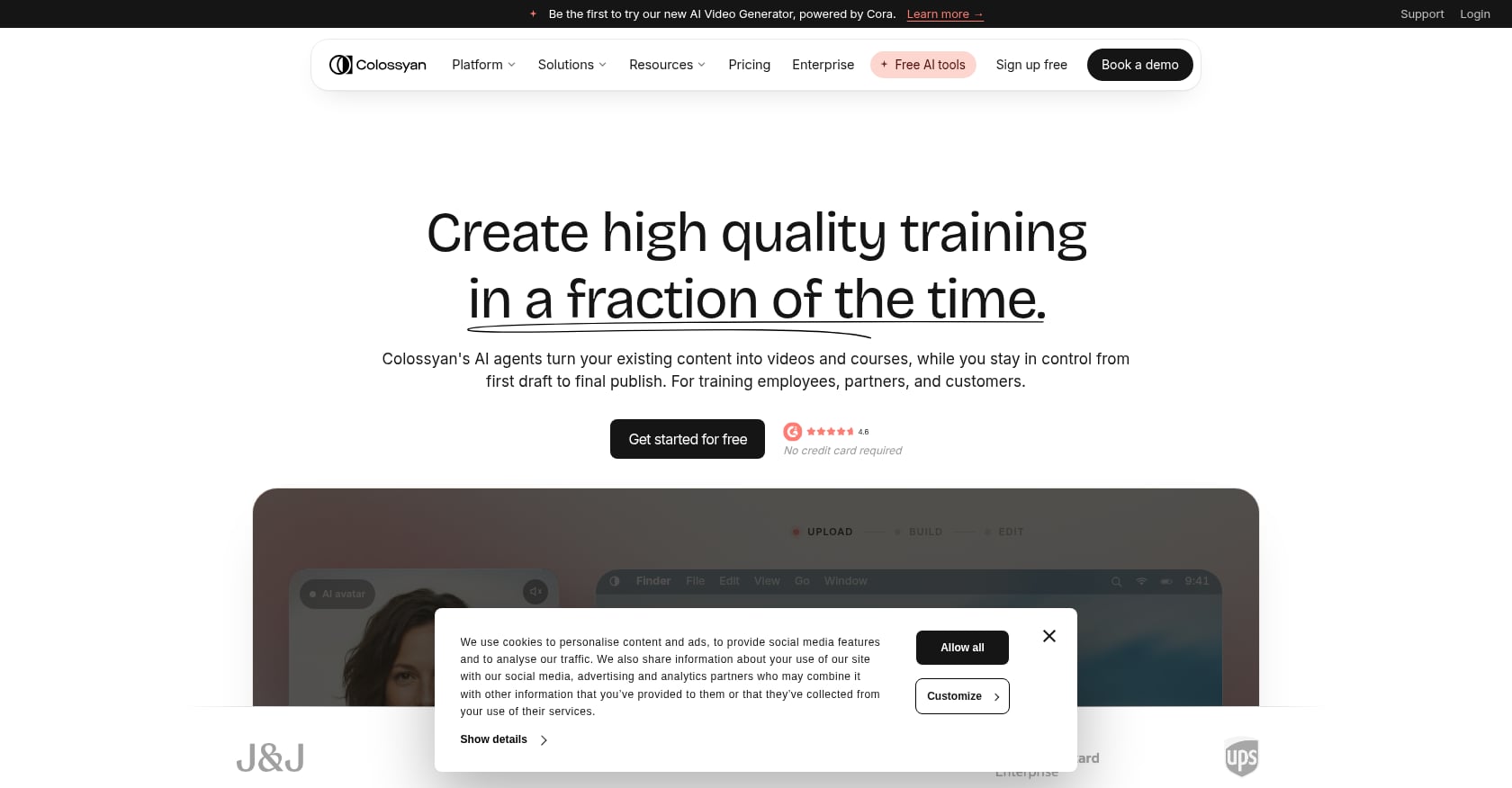
Colossyan targets learning and development teams. It offers SCORM export, interactive quizzes, branching scenarios, and a multilingual player, all designed for corporate course creation. Its help center references 87 languages for translation, while its pricing FAQ says it supports 120+ language variants overall.
Pricing:
- Starter/free option: 20 minutes/month with NEO, 15 auto translations/month
- Professional: $59/month annually, 30 minutes/month with NEO, 20 auto translations/month, SCORM export
- Enterprise: custom, unlimited translations and minutes
A critical detail that most comparison articles miss: Colossyan’s help center explicitly states that each generated language variant counts as its own generated video. A 60-second video generated into 10 languages deducts 10 minutes from the video generation allowance.
Key features:
- 300+ stock avatars, 700+ stock voices
- PPT/PDF import
- Interactive videos with quizzing and branching
- SCORM export
- Multilingual player
- Auto-translations
- EU/US data residency (Enterprise)
Tradeoffs:
- Not built for performance ad creative
- Translation variants consume video minutes quickly
- Lower tiers have monthly translation caps
- Unused minutes do not roll over
User perspective:
G2 users rate Colossyan 4.6/5 from 491 reviews, praising ease of use and multilingual support. Common concerns include pricing structures, avatar limitations, and lip-sync accuracy. TrustRadius reviews note that Colossyan enables teams to create product videos in any language quickly from templates, but surface complaints around avatar cloning accuracy.
5. AI Studios by DeepBrain AI
Best for: presenter-led business videos in many languages
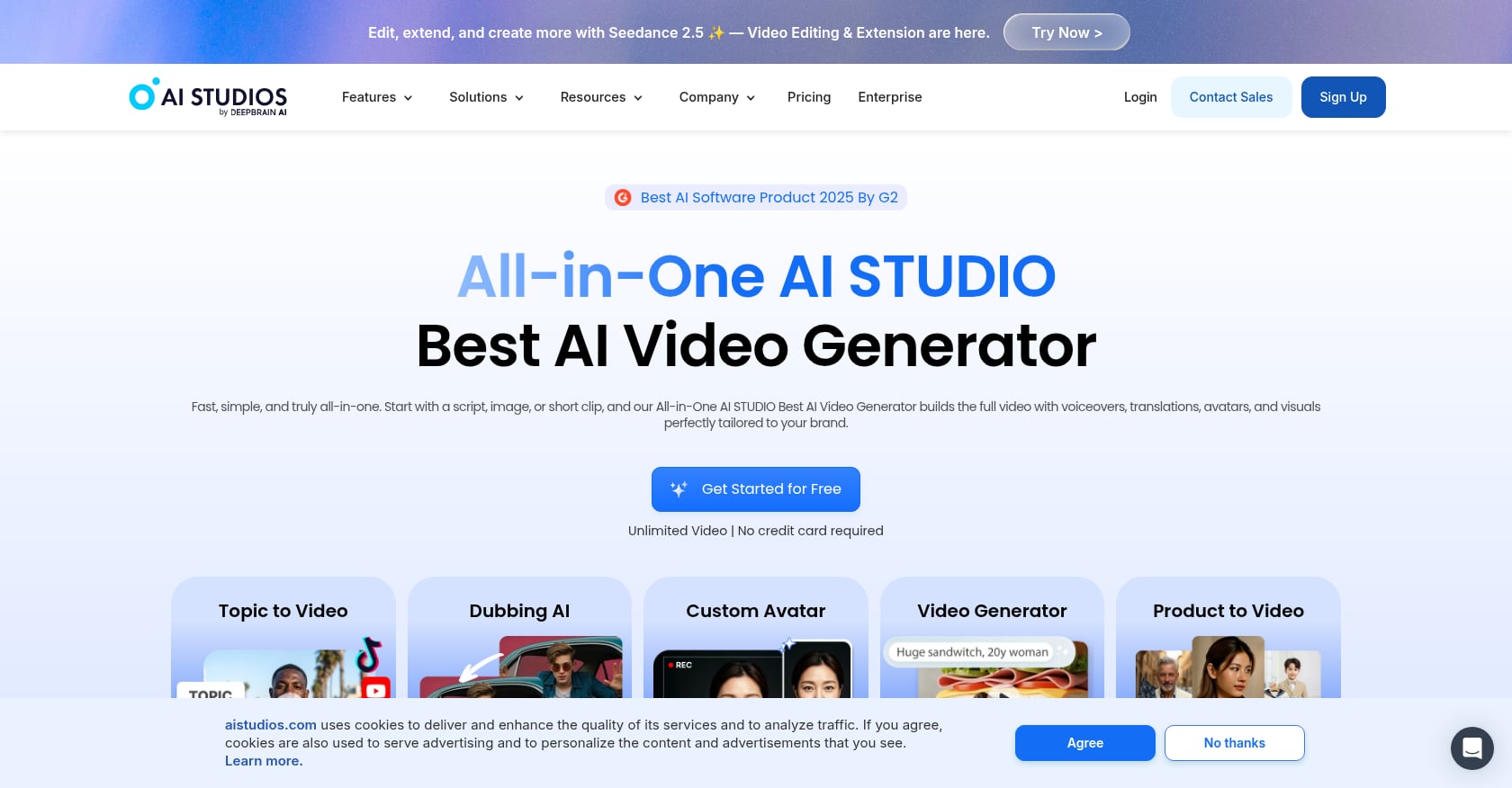
AI Studios positions itself as a text-to-video platform with broad voiceover coverage, claiming 150+ languages and regional accents. In April 2026, the company announced an enterprise AI dubbing and video translation solution supporting those 150+ languages, framing it as an all-in-one localization suite.
Pricing:
- Free: $0, up to 3 AI videos, 1 minute max, 720p
- Personal: $24/month annually, unlimited AI videos up to 30 minutes, 1080p, 120 dubbing minutes/month
- Team: $55/seat/month, up to 60 minutes/video, 4K
- Enterprise: custom
Key features:
- Text-to-video, URL-to-video, document-to-video
- AI avatars with gesture control
- AI dubbing with lip sync
- 1,000+ voices
- Multi-avatar scenes
- Templates
Tradeoffs:
- More corporate/presenter-led than social UGC
- Less focused on D2C short-form creative testing
- Custom avatar slots capped by plan
- Some users find the interface confusing at first
User perspective:
G2 lists AI Studios at 4.2/5 from 1,027 reviews. Reviewers praise avatar quality and time savings but criticize high pricing for regular use and limited editing options. A Reddit thread characterized AI Studios as having a polished “newsdesk” or boardroom style rather than a creator-studio feel, which makes it less suitable for brands that need social-native content.
6. Elai.io
Best for: e-learning teams that need interactive avatars
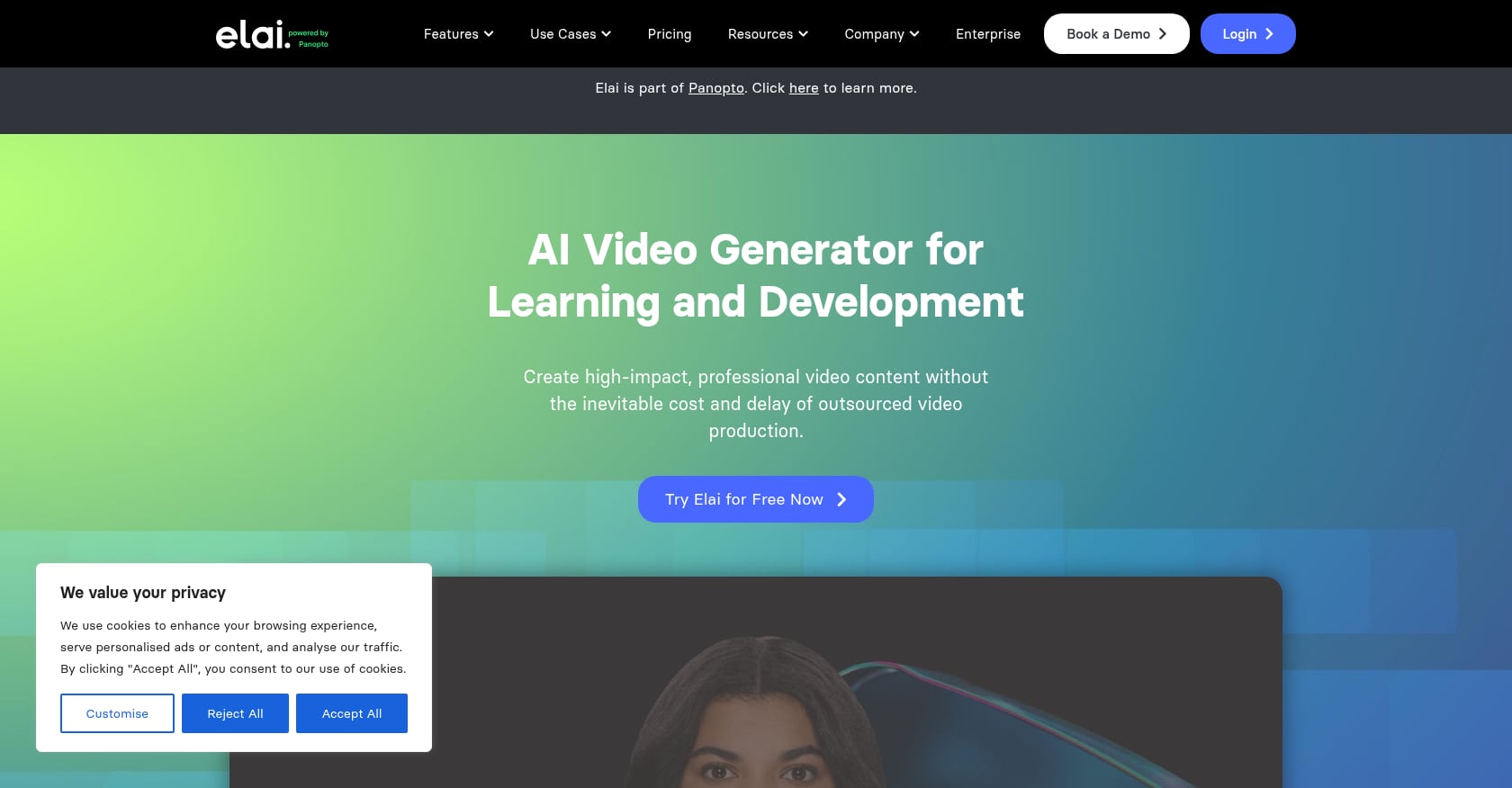
Elai.io (now part of the Panopto ecosystem) focuses on turning text, PowerPoint, and PDF files into avatar-led learning videos. G2 describes it as supporting translation into 75+ languages, putting it right at the threshold for anyone asking which AI video generator supports 70 plus languages.
Pricing:
- Basic: $23/month for 15 video minutes
- Extra minutes: $2 each (requires active subscription)
- No standalone pay-as-you-go option
- Enterprise: verify current tiers at publication time
Key features:
- Text, PPT, and PDF to video
- AI avatars
- Translation into 75+ languages
- Interactive quizzes and branching scenarios
- SCORM export
- Streaming API for interactive experiences
Tradeoffs:
- Not designed for performance ads or social creative
- Avatar realism may not match avatar-first competitors
- Rendering delays appear in user complaints
- Subscription/minute model is inflexible for sporadic users
User perspective:
G2 users rate Elai.io 4.6/5 from 124 reviews, praising ease of use, fast video creation, and responsive support. Some reviewers note avatar realism limitations and occasional rendering delays.
7. D-ID
Best for: API-driven talking avatars and visual agents
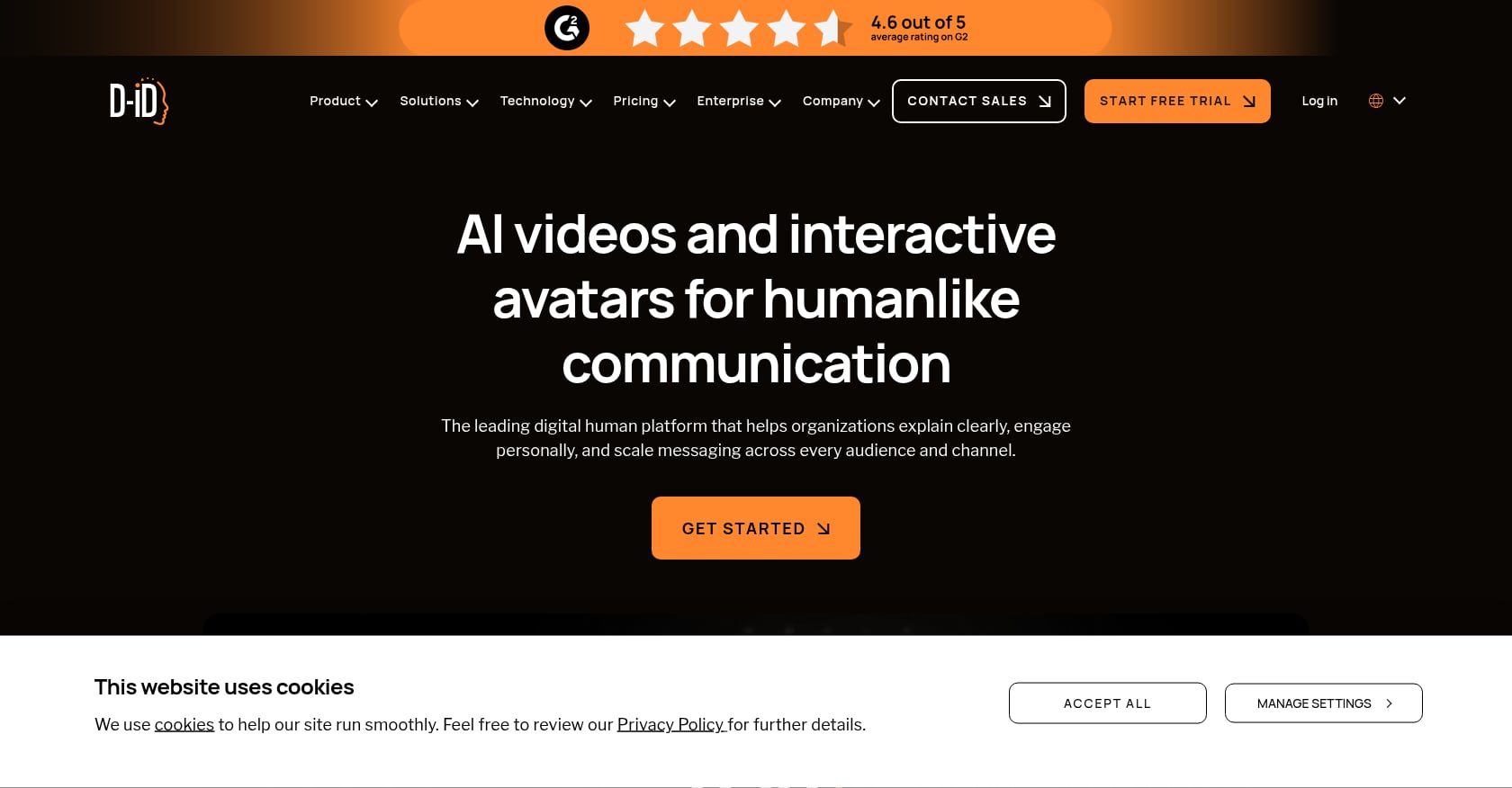
D-ID is built for developers and product teams that need talking-avatar generation via API. G2 says it supports 120+ languages and enables enterprises to create personalized, multilingual content using text, audio, or cloned voice inputs. It is less of a full creative platform and more of an infrastructure layer.
Pricing:
- Trial: $0, 14 days, up to 3 minutes of video (watermarked)
- Build: $14.40/month annually, 64 credits, personal license (watermark)
- Launch: $35/month annually, 180 credits, commercial license, voice clone
- Scale: $138.60/month annually, 800 credits
- Enterprise: custom
Key features:
- Photo and video avatars
- Text, audio, or cloned voice input
- Streaming visual agents
- API-first workflows
- Agentic video capabilities
Tradeoffs:
- More API/agent-focused than marketer-friendly
- Watermarks on lower plans
- Pricing can feel expensive for content teams doing high volume
- Not suited to end-to-end short-form ad generation
User perspective:
G2 rates D-ID 4.6/5 from 116 reviews. A Reddit discussion in r/AI_UGC_Marketing mentioned a user finding D-ID pricing expensive for a beauty brand, and looking for a more affordable alternative for ongoing creator-style content.
Which one should you choose?
The right tool depends on the job, not the language count.
Choose Flona AI if you need localized ads and reels from a brand or product URL, especially for D2C, ecommerce, and regional or international campaigns. It is the most directly aligned option for teams that want creative adaptation, not just translation. See Flona AI pricing to compare plans.
Choose Synthesia if you need polished enterprise training, onboarding, or internal communications at scale.
Choose HeyGen if you already have speaker-on-camera videos and want strong lip-synced translation across the widest language set.
Choose Colossyan if you need training videos with SCORM export, interactive modules, and structured multilingual course localization.
Choose AI Studios if you want broad-language presenter videos with dubbing capabilities and longer video allowances.
Choose Elai.io if your team builds interactive learning content and works within a Panopto-style workflow.
Choose D-ID if you need API-driven talking avatars or visual agents embedded in your own product.
For agencies and larger brands managing multiple markets, contact Flona AI sales to discuss multi-brand workspaces and enterprise credit volumes.
Pricing gotchas when creating videos in 70+ languages
Before committing to any multilingual AI video generator, multiply cost by the number of language versions you plan to publish. These are the traps that surface-level pricing pages do not make obvious.
Language variants often count as separate videos. Colossyan’s help center says a 60-second video generated into 10 languages deducts 10 full minutes from your allowance. That “30 minutes per month” plan suddenly covers three one-minute videos in ten languages each.
Credit costs vary by feature, not just duration. On HeyGen, Avatar III costs 3 credits per minute, but Avatar IV/V costs 20 credits per minute. Full video translation with lip sync costs 5 credits per minute. A $29/month plan with 600 credits might produce only 30 minutes of basic avatar video, or just 120 minutes of lip-synced translation.
Dubbing and generation follow different credit rules. On Synthesia, one second of generated video costs 2 credits, while one minute of AI dubbing with lip sync costs 50 credits. Dubbing is roughly 25 times more expensive per minute than generation.
Free plans are for testing, not production. HeyGen’s free tier limits you to 3 videos per month at 1 minute each. AI Studios caps free users at 720p and 1-minute videos. These plans exist to let you evaluate, not to run a multilingual campaign.
Flona AI takes a simpler approach. There is no separate localization fee for different languages or markets. Credit use is tied to format, duration, and settings. That said, credits remain available for only two months from the date added, so teams with irregular production cycles should plan around that window. Check Flona’s terms for full credit policy details.
FAQ
Which AI video generator supports 70+ languages?
Several AI video generators support 70 plus languages, including Flona AI (70+), Synthesia (160+), HeyGen (175+ on paid plans), Colossyan (87 translation languages, 120+ variants), AI Studios (150+), Elai.io (75+), and D-ID (120+). The best option depends on whether you need localized ads, training videos, dubbing, or API-driven avatars.
Which AI video generator is best for localized ads?
Flona AI is the strongest fit for localized short-form ads and reels. It uses brand-aware URL input, market intelligence, and local AI creators to generate ads that feel native to each market rather than translated. It supports 70+ languages with native speech styles and charges no separate localization fee.
Is 70+ language support enough to create native-sounding videos?
Not necessarily. Language count tells you how many languages the tool can output, but it does not guarantee natural speech, local slang, cultural fit, or strong ad performance. A 2026 Journal of International Marketing study found that AI-translated marketing videos underperformed human translation on comprehension and accent neutrality in certain language pairs.
Do AI video generators charge extra for each language version?
Often, yes, indirectly. Many tools charge by credits, minutes, or generated variants. On Colossyan, each language version counts as a separate generated video. On HeyGen and Synthesia, credit systems mean every new language version consumes additional allowance from your plan.
Which AI video generator supports the most languages?
Among the tools compared here, HeyGen claims 175+ languages and dialects on paid plans, Synthesia claims 160+, and AI Studios claims 150+. However, the highest language count does not automatically mean the best output quality in every language.
Which tool is best for Indian regional-language ads?
For Indian regional-language ad workflows targeting Hindi, Marathi, Kannada, Malayalam, Tamil, Telugu, and other audiences, Flona AI is the primary recommendation. It is positioned as “Made in India, for the world” and supports regional marketing use cases. Learn more about Flona AI and its India-first approach.
What is the difference between video translation and video localization?
Translation converts the words from one language to another. Localization adapts the hook, selling style, dialect, creator appearance, pacing, and visual conventions for each market. A translated ad might be grammatically correct but culturally flat. A localized ad feels like it was originally made for that audience.
Can I test these tools before paying?
Most tools offer some form of free access. Flona AI provides 100 free monthly credits with no credit card required. Synthesia has a free Basic plan. HeyGen offers 3 free videos per month. D-ID has a 14-day trial. In every case, free plans are limited enough that serious multilingual production requires a paid tier.